




Product review on reviewseen.com
Price: ($17.50 / count)
(as of Mar 09, 2026 01:04:56 UTC – Details)

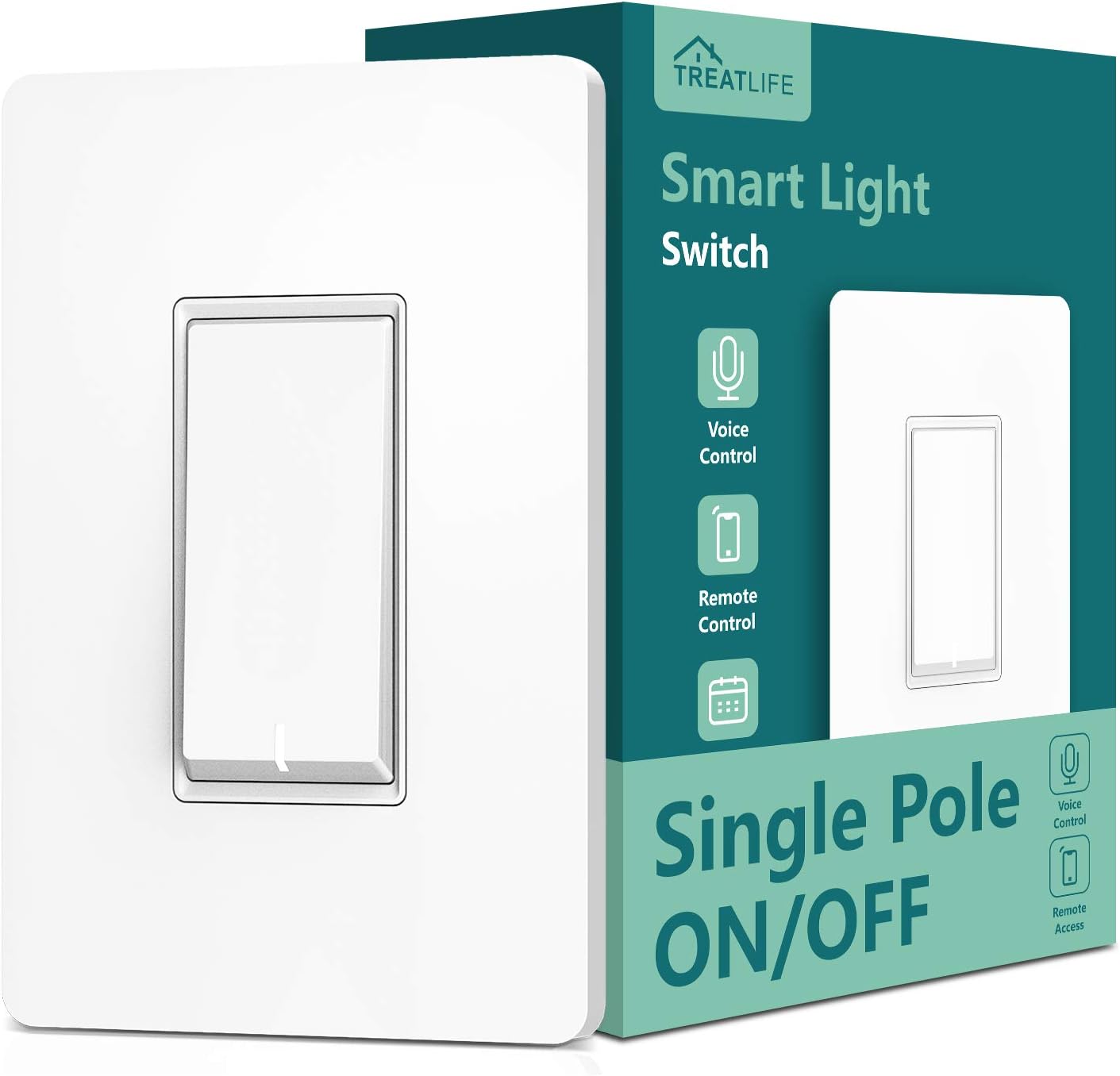
Treatlife Smart WiFi Light Switch Review: Voice-Controlled Lighting for a Smarter Home
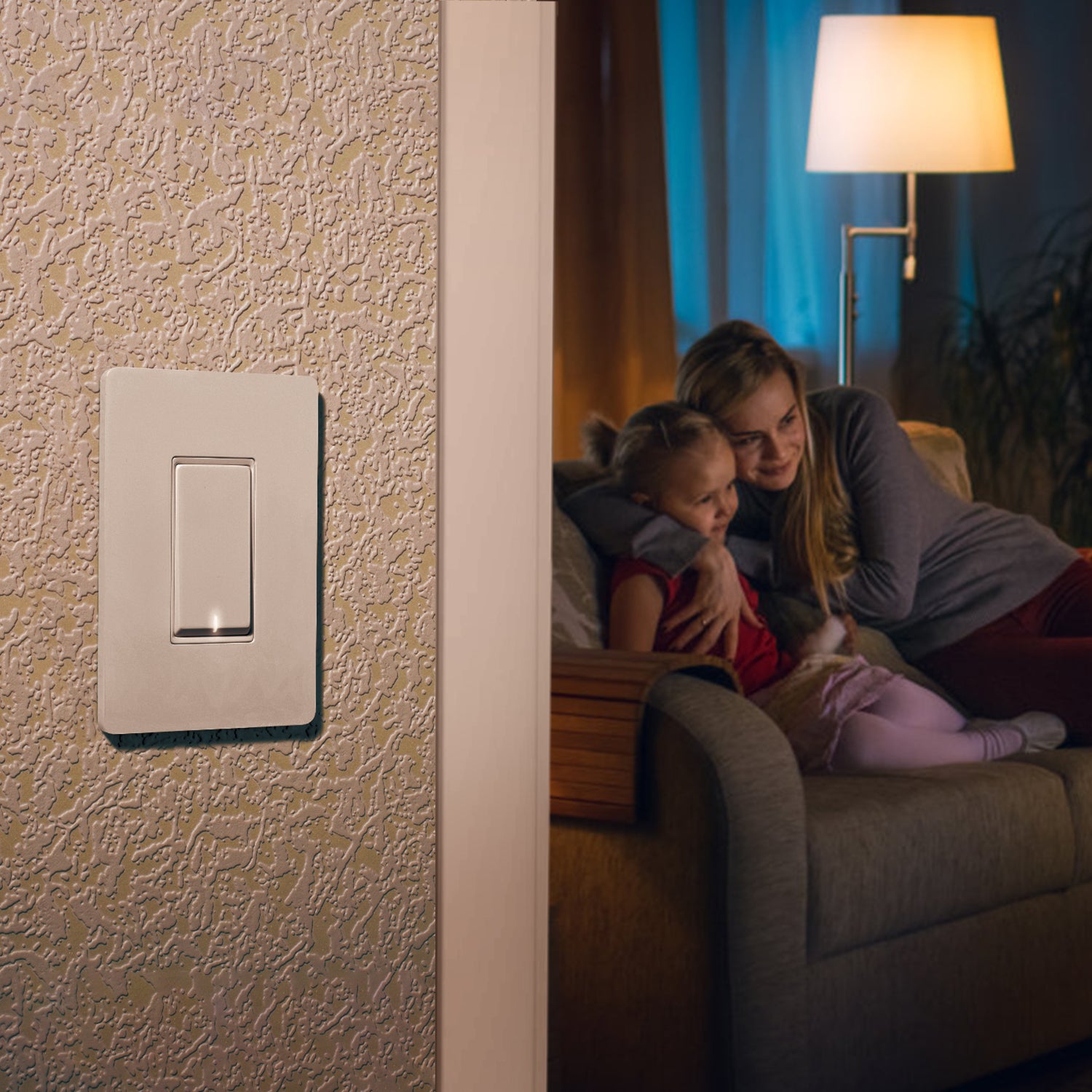


Smart homes are no longer a futuristic concept—they’re becoming a standard in modern living. One of the easiest and most impactful upgrades you can make is installing a smart light switch. Among the many options available, the Treatlife Smart WiFi Light Switch stands out for its simplicity, voice control compatibility, and affordable smart home integration.
Designed to work with Amazon Alexa, Google Assistant, and SmartThings, this switch allows homeowners to control lighting using voice commands or a mobile app. Whether you want to automate lighting schedules, control lights remotely, or simply enjoy the convenience of hands-free operation, Treatlife aims to make your home smarter and more efficient.
In this detailed guide, we’ll explore the features, benefits, drawbacks, real-world uses, and buying considerations of the Treatlife Smart Switch so you can decide if it’s the right smart home upgrade for you.
What Is the Treatlife Smart WiFi Light Switch?
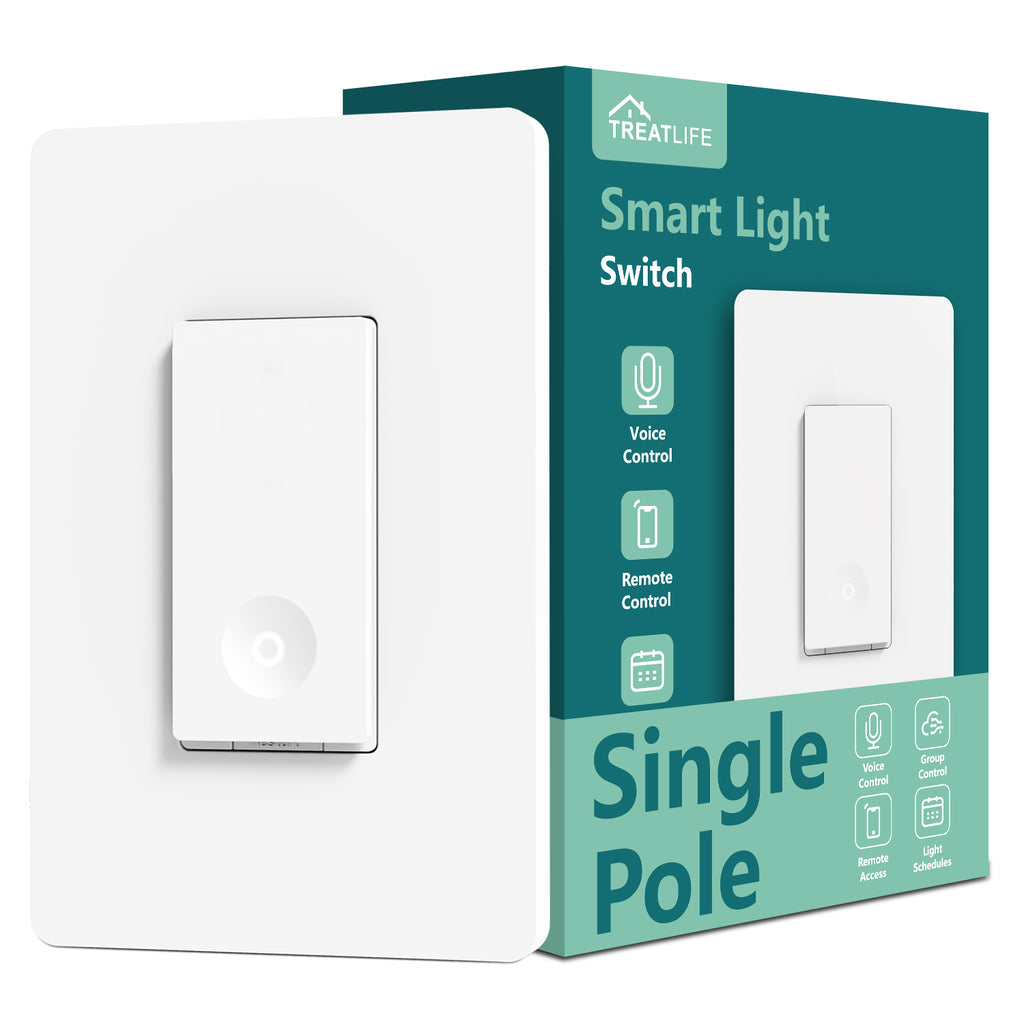

The Treatlife Smart WiFi Light Switch is a wall-mounted smart switch that replaces your traditional light switch and connects to your home’s 2.4GHz WiFi network. Once installed, it allows you to control lights remotely through the Smart Life mobile app or through voice assistants.
Unlike smart bulbs, which require replacing every bulb in your home, a smart switch lets you control entire lighting circuits from one device. This makes it a practical solution for rooms with multiple lights such as living rooms, kitchens, or hallways.
Key Specifications
- Electrical Rating: 1250W / 10A
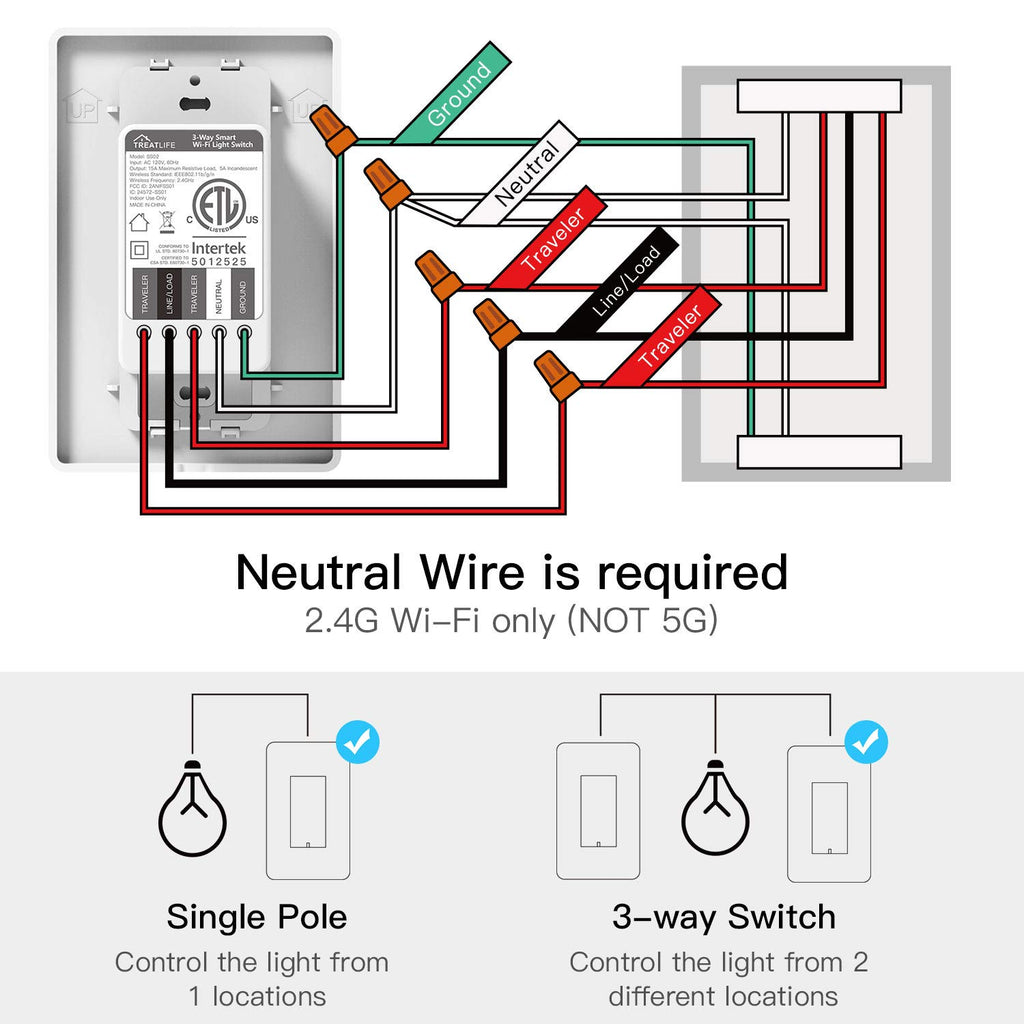
- WiFi Requirement: 2.4GHz network only
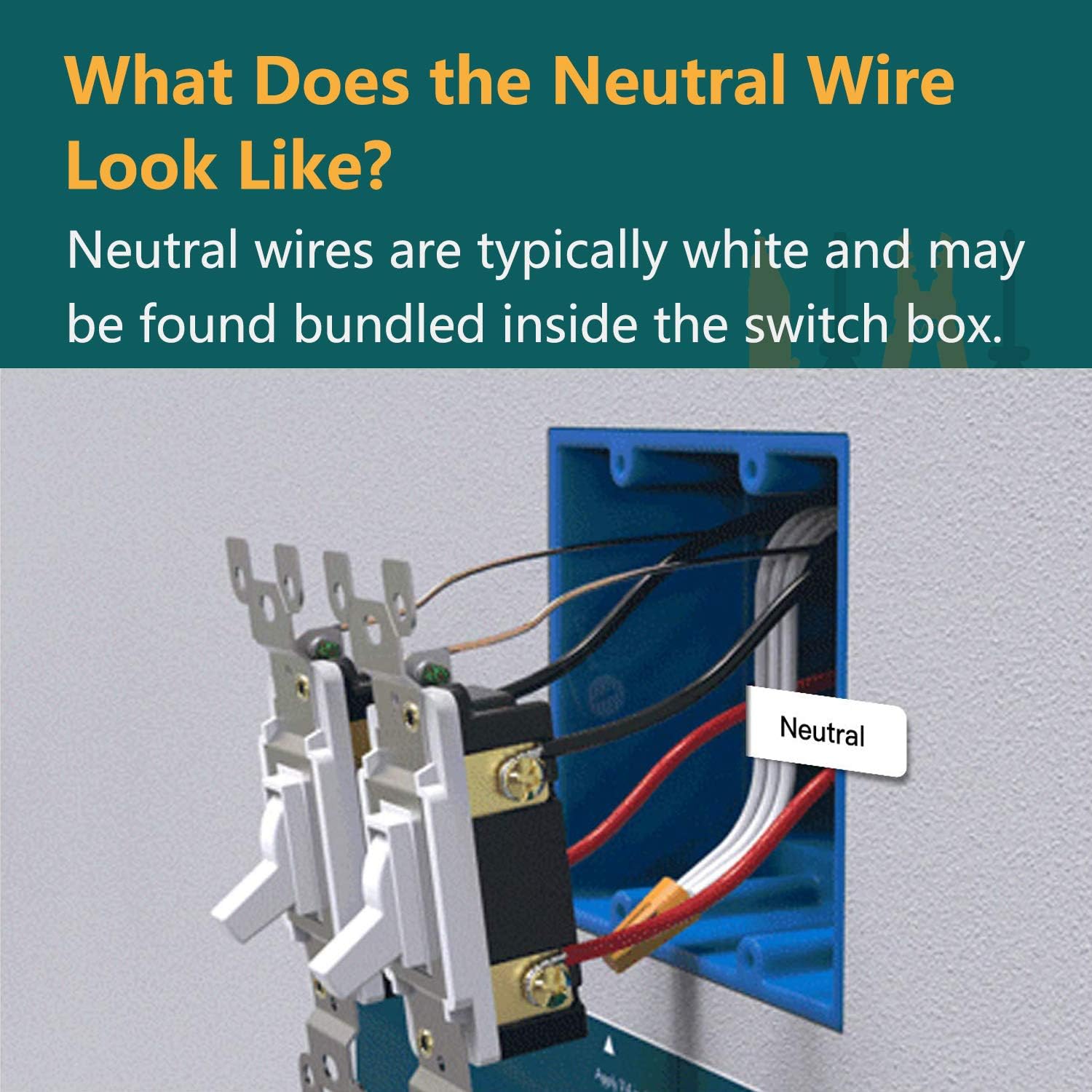
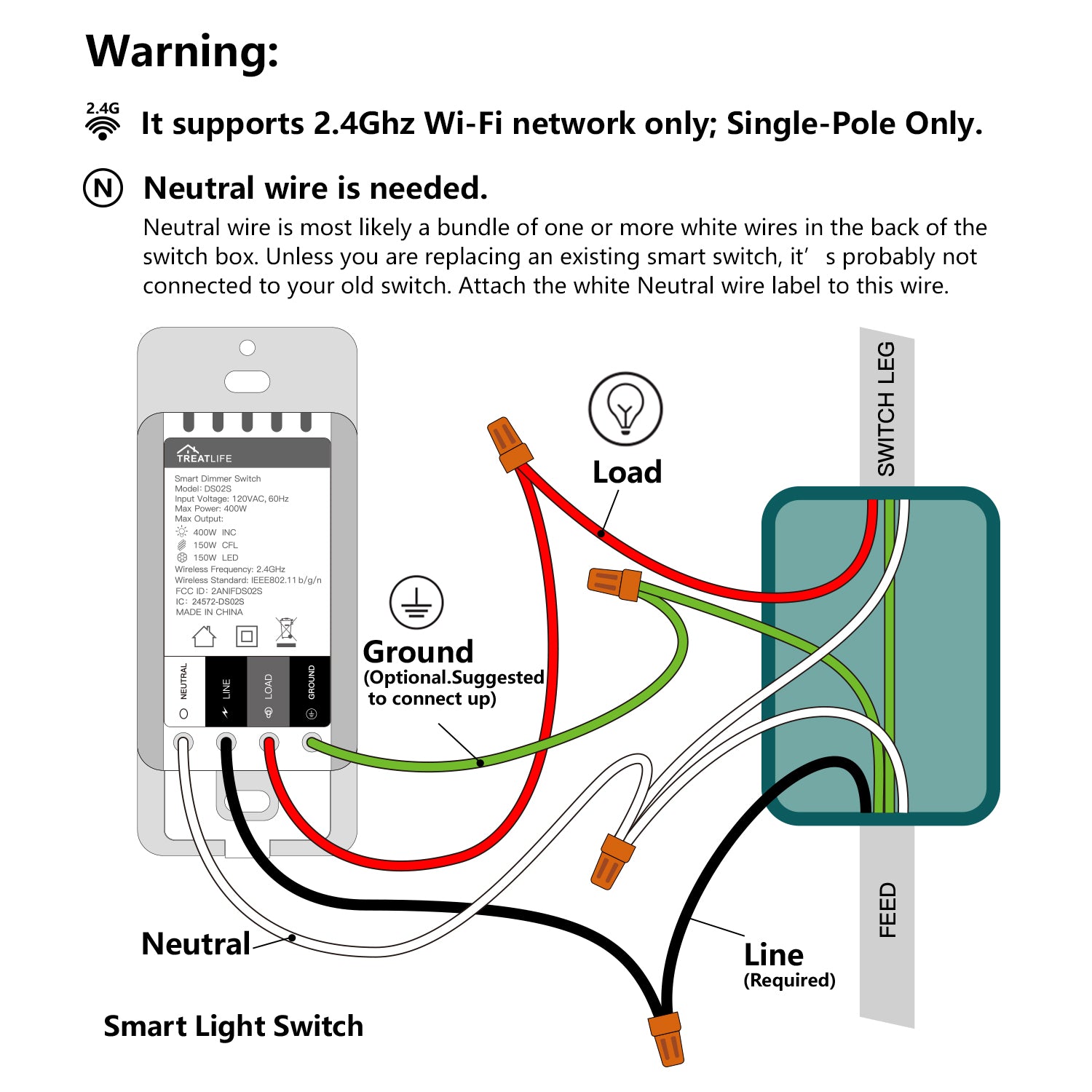
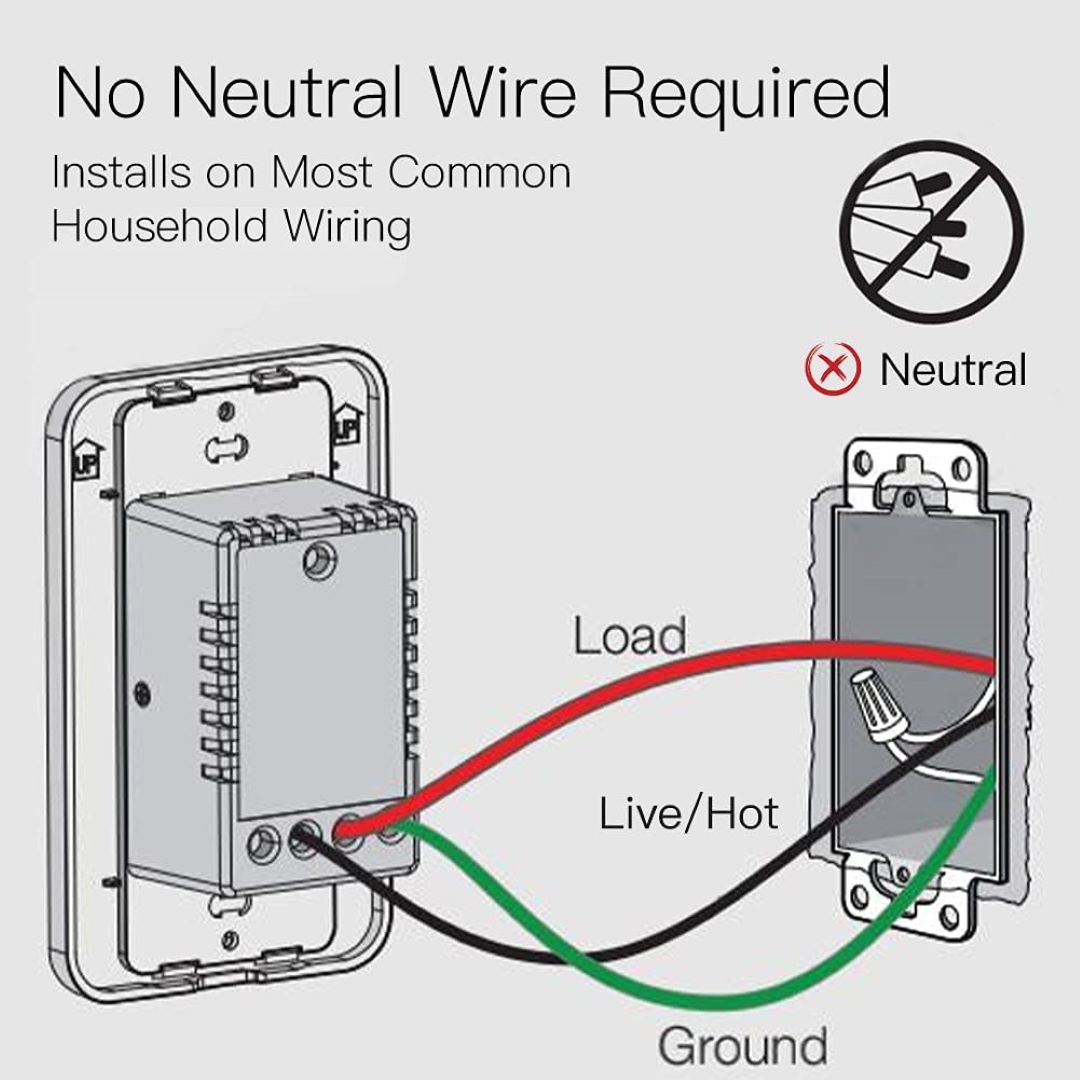
- Neutral Wire Required: Yes
- Switch Type: Single-pole (not compatible with 3-way wiring)
- Control Methods: App, voice assistants, manual switch
- Included: Standard-size screwless snap-on wall plate
This model is strictly an on/off switch and does not support dimming, making it ideal for standard lighting setups.
Key Features of the Treatlife Smart Switch


The Treatlife Smart Switch includes a range of features designed to simplify lighting control and enhance home automation.
1. Voice Control Integration
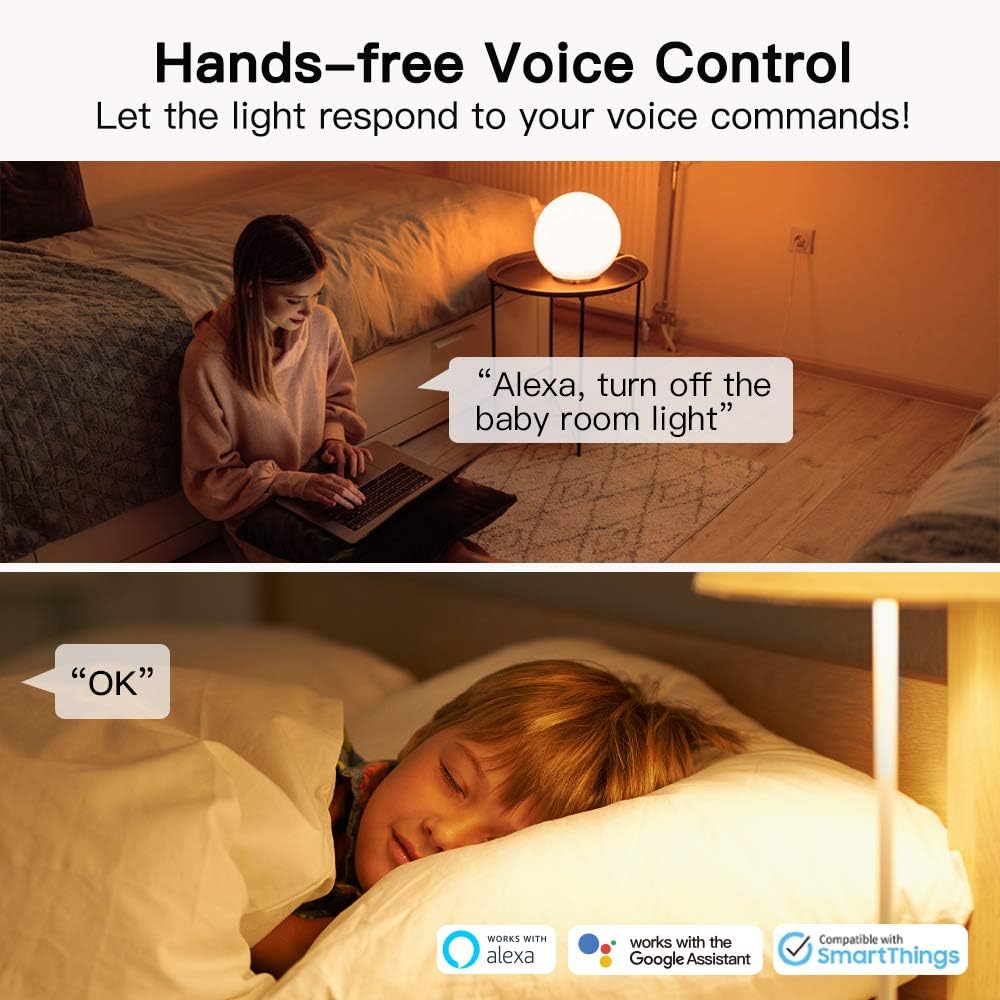
One of the biggest advantages of the Treatlife switch is hands-free voice control.
It works seamlessly with:
- Amazon Alexa
- Google Assistant
- SmartThings
This means you can say commands like:
- “Alexa, turn on the living room lights.”
- “Hey Google, turn off the hallway lights.”
This feature is especially useful when your hands are full or when entering a dark room.
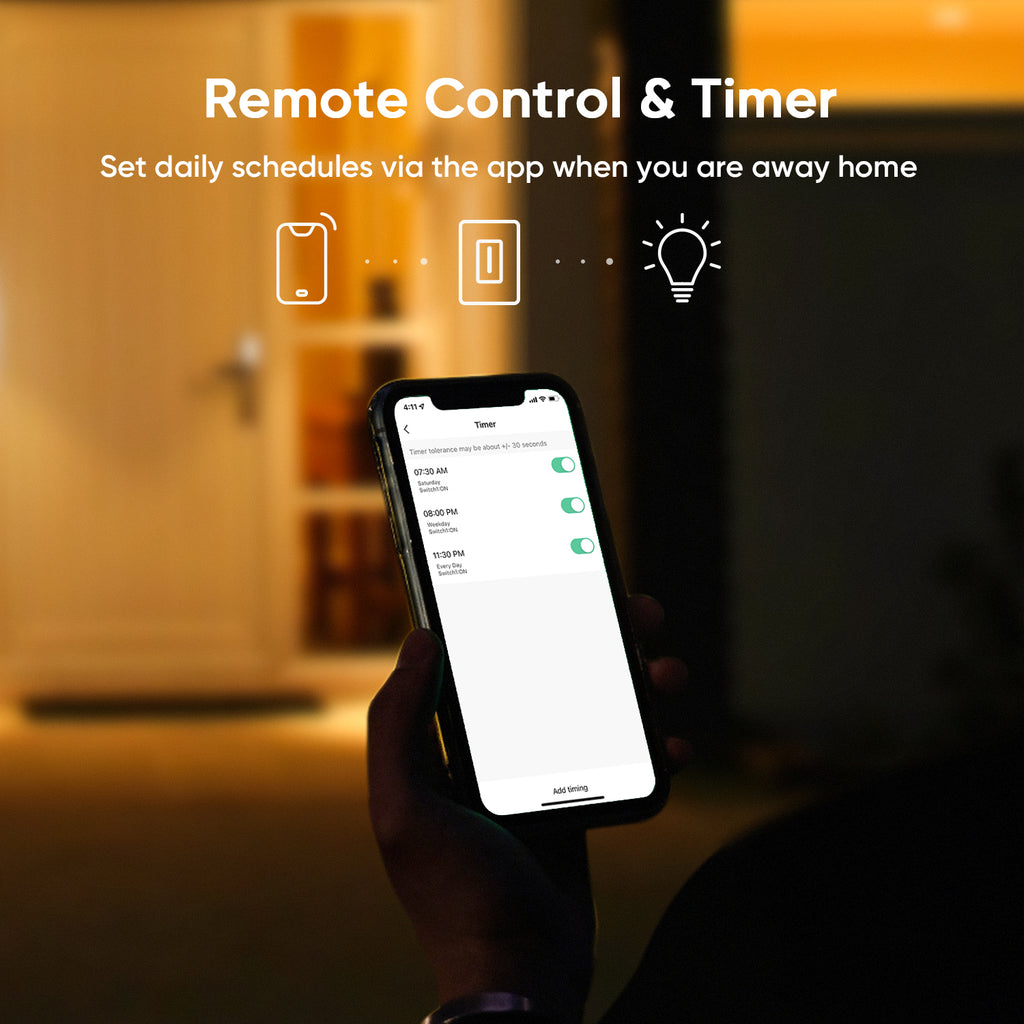
2. Remote Control via Smart Life App
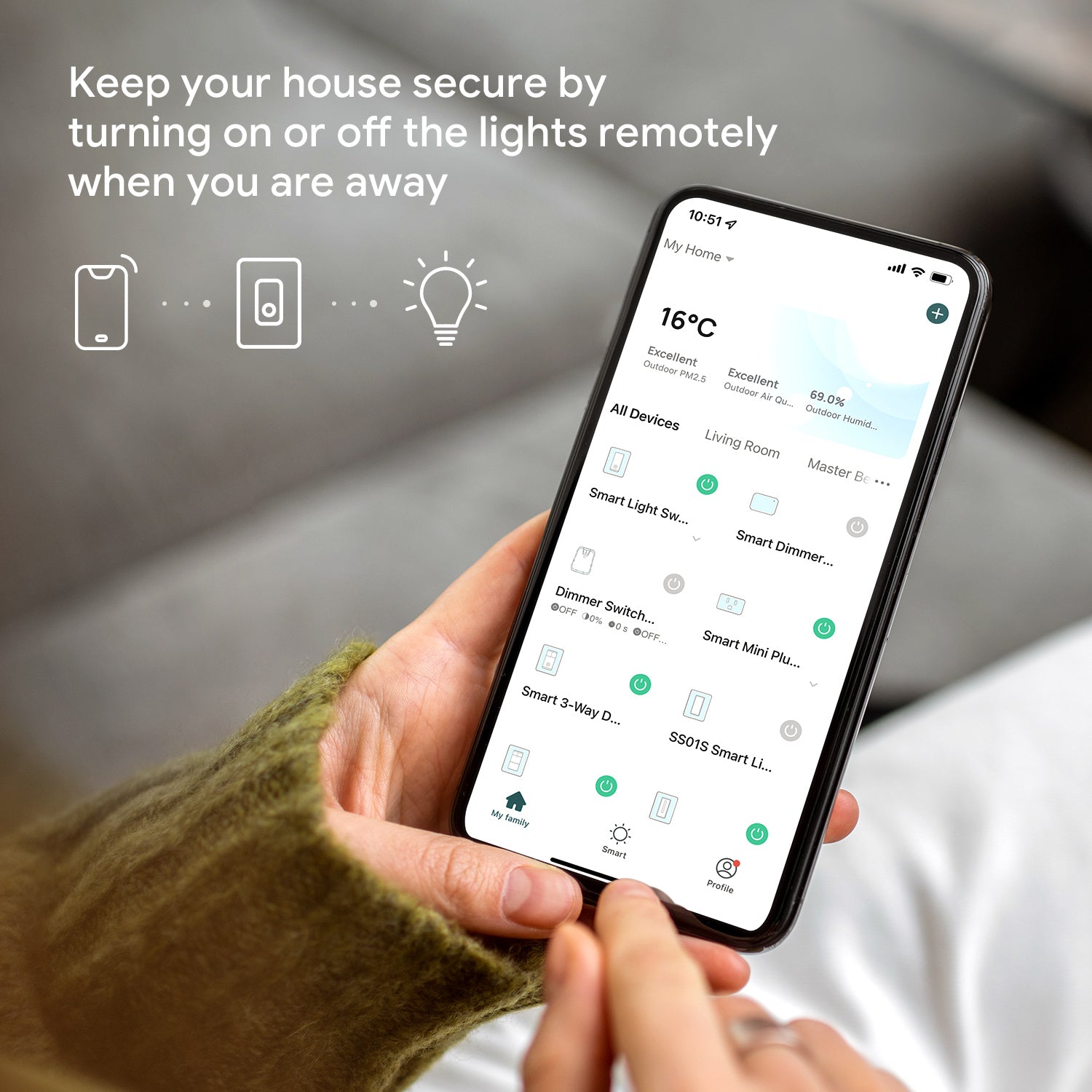
The Smart Life app allows you to control your lights from anywhere in the world.
From your smartphone you can:
- Turn lights on or off remotely
- Check the real-time status of lights
- Create schedules or timers
- Control multiple switches simultaneously
Whether you’re at work or on vacation, you can monitor and manage your lighting system remotely.
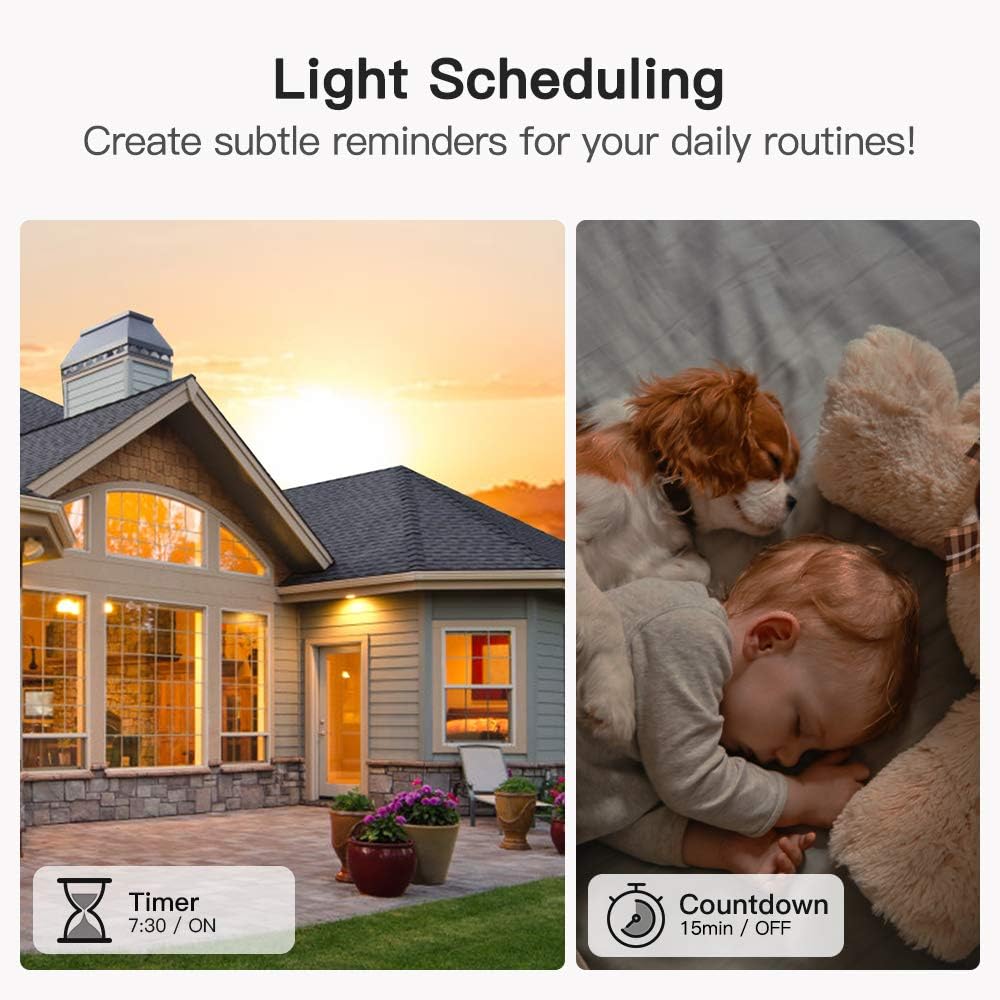
3. Lighting Schedules and Automation
Automation is where smart switches truly shine.
With Treatlife’s scheduling features you can:
- Turn lights on automatically at sunset
- Turn lights off at bedtime
- Create timers or countdowns
- Set daily or weekly routines
Automation can also create the illusion that someone is home, which helps deter potential intruders.
4. Group and Device Sharing
If multiple family members need access to lighting controls, the app allows:
- Device sharing with family members
- Grouping multiple switches together
For example, you can control all downstairs lights with one tap.
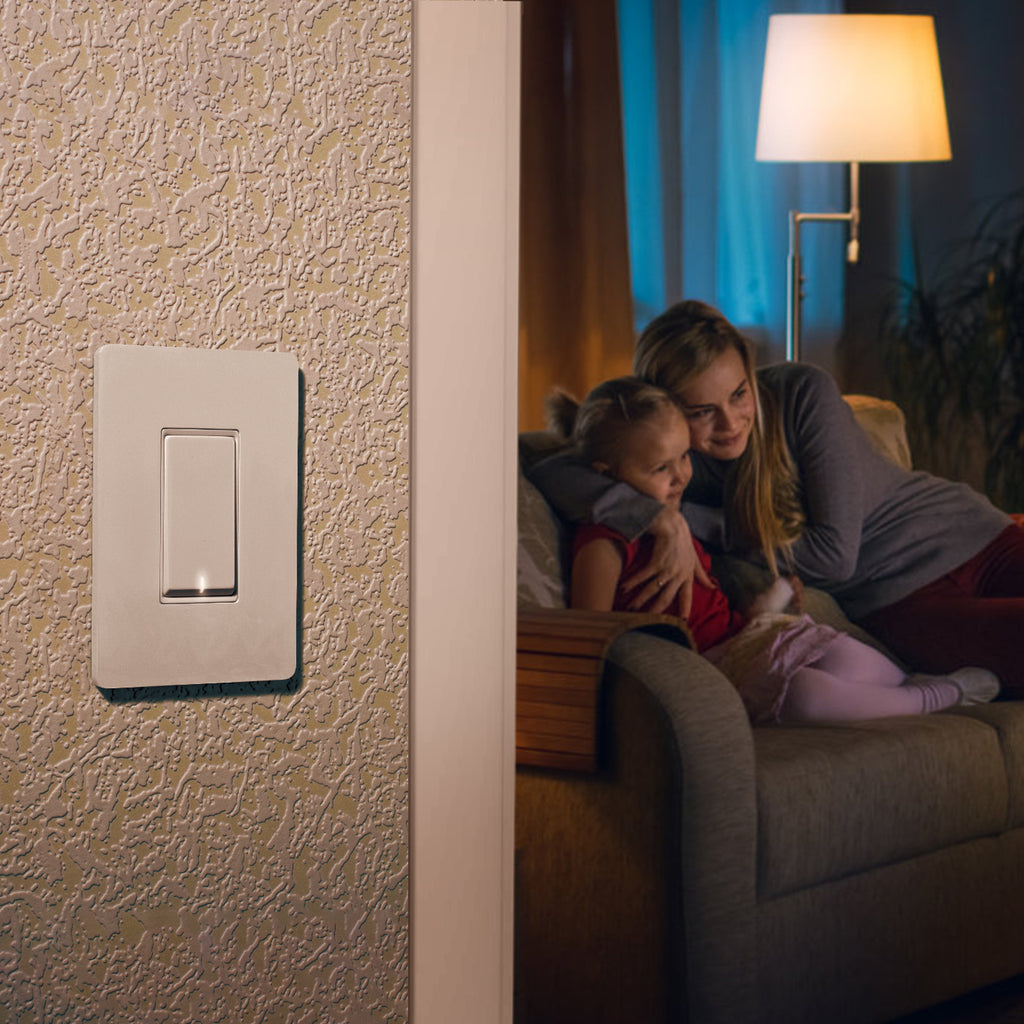
5. Elegant Design with Snap-On Wall Plate
The switch includes a modern screwless snap-on wall plate, giving it a clean and minimalistic look.
Benefits include:
- Easy installation
- Sleek design
- Matches modern home interiors
It blends well with most home décor styles.
Pros and Cons


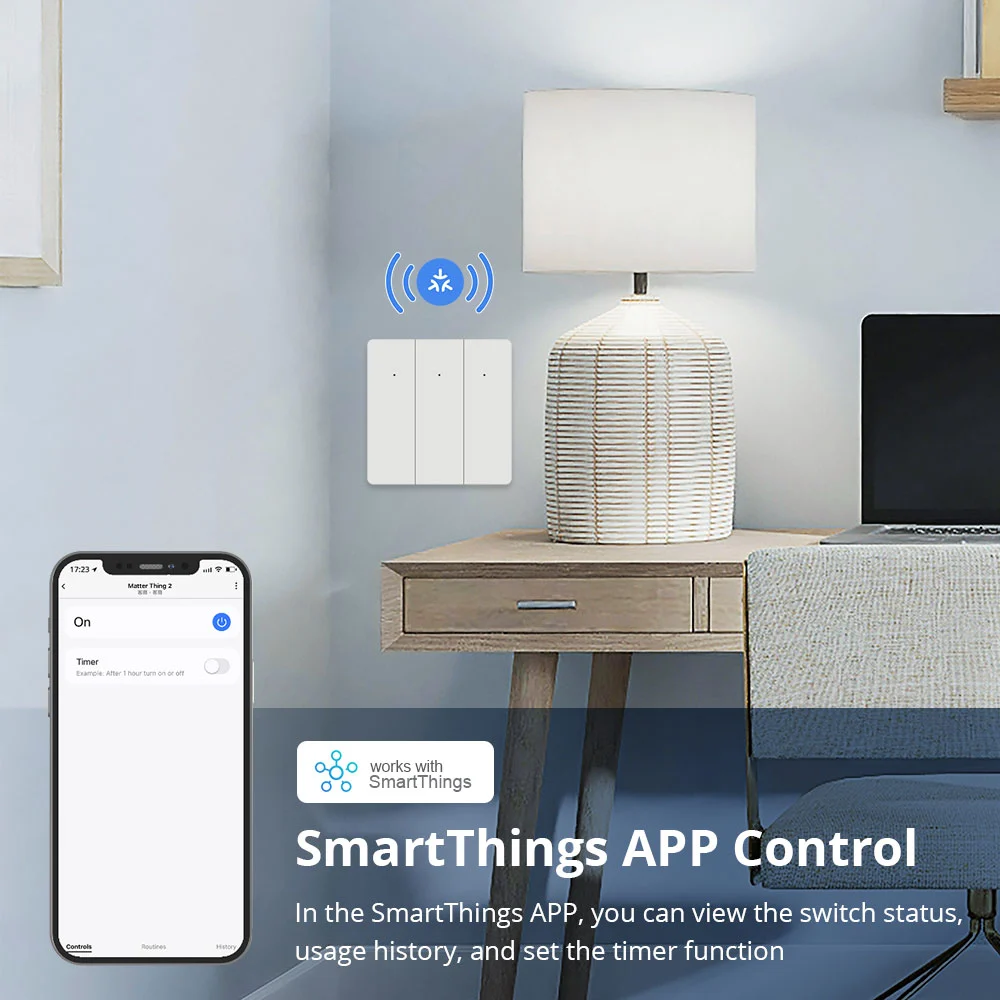
Like any smart home device, the Treatlife Smart Switch comes with both strengths and limitations.
Pros
- Easy smart home upgrade without replacing bulbs
- Voice control with Alexa and Google Assistant
- Remote control from anywhere
- Lighting automation and scheduling
- No hub required
- Affordable compared to premium brands
- Clean modern design with wall plate included
Cons
- Requires a neutral wire for installation
- Only supports 2.4GHz WiFi
- Not compatible with 3-way switches
- No dimming capability
- Installation may require basic electrical knowledge
For many homes, these limitations are minor, but they’re important to consider before purchasing.
Real-World Use Cases

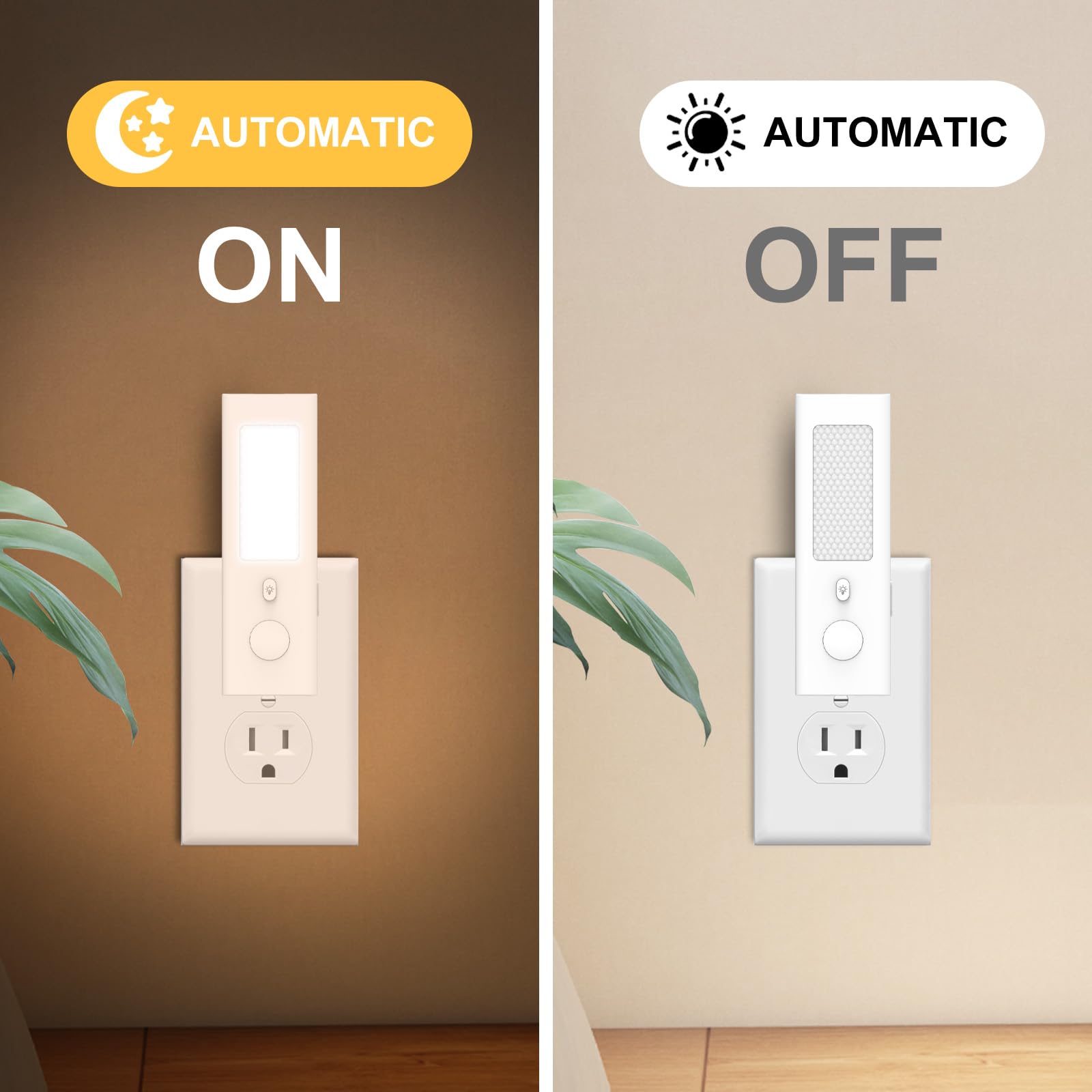
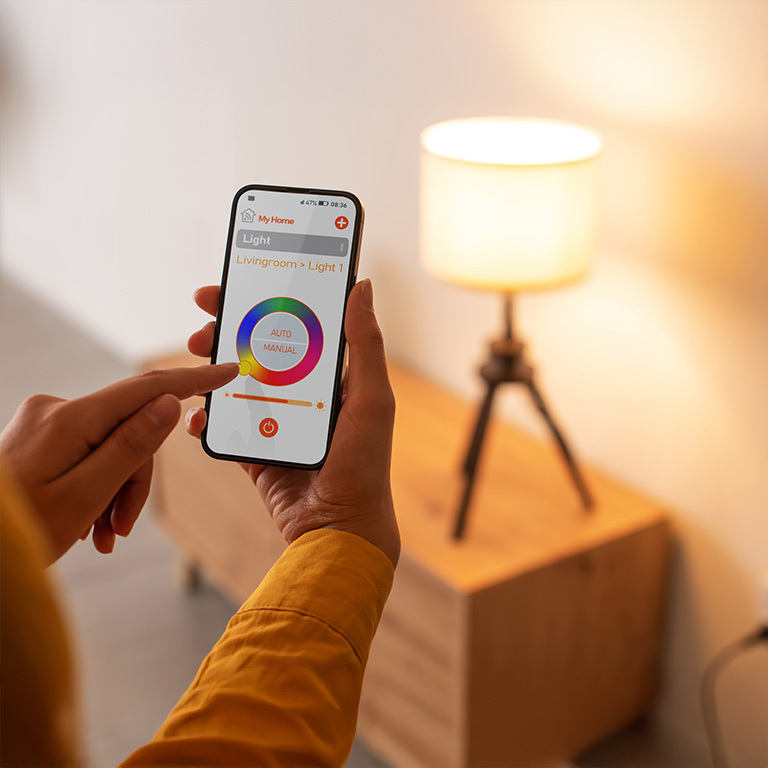
Smart switches like the Treatlife model can improve everyday living in several ways.
1. Hands-Free Lighting Control
Imagine walking into your house carrying groceries.
Instead of fumbling for the switch, you can simply say:
“Alexa, turn on the kitchen lights.”
2. Vacation Security
When you’re traveling, scheduled lights can make it appear like someone is home.
Random or timed lighting patterns can discourage potential intruders.
3. Bedtime Convenience
With the Smart Life app or voice command, you can turn off all lights without leaving your bed.
4. Energy Savings
Automated schedules prevent lights from being accidentally left on all day.
This can reduce electricity usage and lower energy bills.
5. Smart Home Integration
If you already use smart home devices, the Treatlife switch can become part of a larger automation system.
For example:
- Turn on hallway lights when motion sensors activate
- Turn off all lights when leaving home
Buying Guide: What to Consider Before Purchasing



Before purchasing the Treatlife Smart Switch, there are a few key factors to consider.
1. Check for a Neutral Wire
This switch requires a neutral wire, which is common in modern homes but not always present in older houses.
If your switch box lacks a neutral wire, installation may require electrical modification.
2. WiFi Compatibility
The switch only works with 2.4GHz WiFi networks.
Most routers support both 2.4GHz and 5GHz, but you may need to connect your phone to the 2.4GHz band during setup.
3. Switch Configuration
This device is designed for single-pole switches only.
It cannot replace 3-way switches used for controlling lights from two locations.
4. Decide If You Need Dimming
If you want adjustable brightness levels, you should consider a smart dimmer switch instead.
This model provides on/off control only.
5. Smart Home Compatibility
If you use voice assistants, confirm compatibility with your system.
Treatlife supports:
- Amazon Alexa
- Google Assistant
- SmartThings
Installation Overview
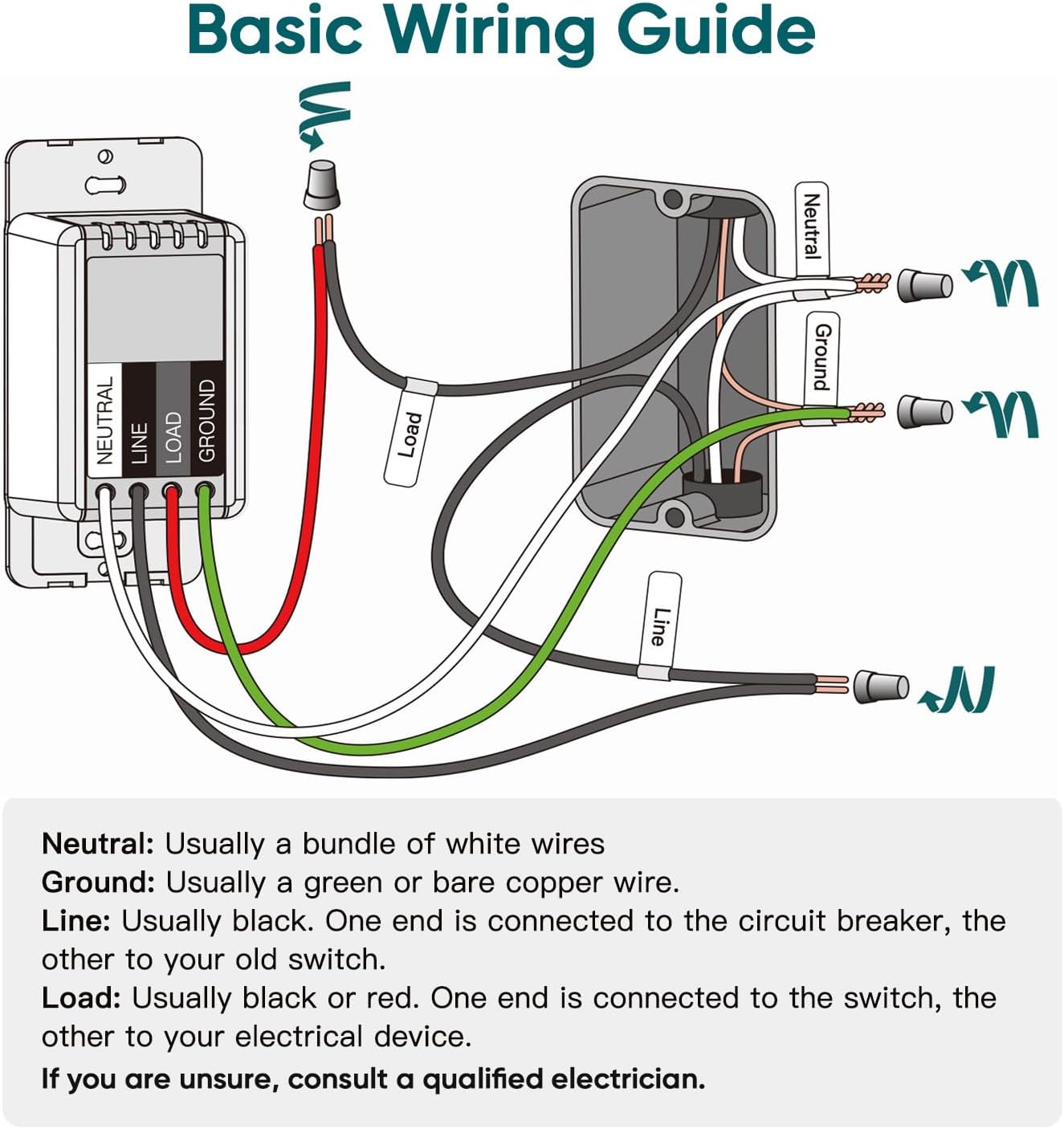
Installing the Treatlife switch typically involves these steps:
- Turn off power at the circuit breaker
- Remove the existing wall switch
- Connect the wires to the new smart switch
- Mount the switch and attach the wall plate
- Restore power and connect it through the Smart Life app
If you’re unsure about electrical wiring, professional installation is recommended.
Final Verdict
The Treatlife Smart WiFi Light Switch is an excellent entry-level smart home upgrade for homeowners looking to add voice control, remote lighting management, and automation without spending a fortune.
Its biggest advantages include:
- Seamless voice assistant integration
- App-based remote control
- Smart scheduling and automation
- Affordable price
- Clean modern design
However, potential buyers should ensure their home has neutral wiring and that they don’t require 3-way switch compatibility or dimming features.
Overall, if you want an easy, reliable, and budget-friendly smart lighting solution, the Treatlife Smart Switch delivers impressive functionality and convenience.
✅ Best for:
- Smart home beginners
- Voice assistant users
- Homes with standard single-pole switches
- Budget-friendly smart upgrades
With minimal setup and powerful automation features, Treatlife makes it simple to transform ordinary lighting into a smart, connected experience.
Price: ($17.50 / count)
(as of Mar 09, 2026 01:04:56 UTC – Details)


jrabbitt –
Easy to Install and Great Built-in Automation Features
This was easy to install (and I do not have a lot of electrical experience). I was careful to get an electrical tester and I followed all the instructions and it worked with no problems. The only small set back I had was that the wires in my wall were a bit thick, so the electrical twist caps that came with the product did not fit since they were too small. However I just used the ones that were already connecting the old manual switch to the wires coming from the wall and it worked fine.The reason I bought this was because it was advertised to work with IFTTT (If This Than That). I figured I would have to use the IFTTT app on my iPhone to program the switch to do what I wanted. However IFTTT wasn’t even needed! To my happy surprise, this product already had built in, programable automation from the iPhone SmartLIfe app.So now any time between 8:30 PM – 7:00AM (our 2 year old’s bed time) if our 2 year old gets up and turns on the light, it notifies me on my phone (through the app or you can program it to text you I think), and then automatically sets a timer for 30 minutes. Once 30 minutes is up, the light will automatically turn off. So I didn’t even have to bother with IFTTT, I was able to set this all up using the SmartLIfe app.I haven’t hooked this up to Alexa yet, but I’m very confident it will work with ease. This is an amazing product, that came nicely packaged, easy to follow instructions, and an app that has really had some thought put into it. I’d be happy to purchase more of these TreatLife smart switches. I think the only thing I would like to see added would be the ability to add this to the Apple’s Home Kit. I would highly recommend this product.
Tabb –
Direct replacement for my WEMO
Direct replacement for my WEMO (no longer supported). It was a simple replacement and since I already was using the app for a dimmer, startup was seamless. The switch works properly and I have been using the app for years with no problems ever.
Amazon Customer –
Easy to wire and connect, but requires neutral white wire
Easy to wire, easy to connect to WiFi, provided there is a neutral wire present. I use this to control my front porch LED light, programmed to turn on at dusk, off at dawn. Works flawlessly with phone app or Alexa. I can also turn the light on/off manually at the switch.
CarpCaster –
Check that it will fit in your electrical box
Ordered this Treatlife Smart Light switch back in December, 2019. Finally got around to installing it September, 2020.The installation was pretty easy. The back of the switch has a fairly large block that contains the circuitry of the switch. I’d suggest before buying it, look at your box to see if it will fit. There are four wire leads for Line, Load, ground and common. Although the switch comes with wire nuts, I chose to use Wago connectors instead because they are smaller so fit in the box better. The wire leads are soldered so that they are easy to insert into a Wago connector.The installation instructions are pretty robust. I didn’t really follow them because I’ve installed several switches in the past. Installation is pretty obvious if you’ve done something like this before. If not, the instructions seem to be pretty good.Several reviewers wrote glowingly about the post installation configuration. I got it done but the instructions did not match my experience. The icons found on the app were different and it wasn’t obvious which icon to chose. The instructions don’t call it pairing but that is basically what you need to do to get it to work with the app. The instructions were misleading. Again, got it done but it was a little frustrating.I have a router with 2.4GHz and 5 GHz frequency bands (Amplifi Alien) and this switch only works on the 2.4GHz frequency. I did not have to turn off the 5 GHz band.I got the switch added to Google Assistant pretty easily. Amazon Alexa was a different story. I tried so many things that I don’t remember what actually worked. In my case, the TreatLife skill was not enabled in Alexa. It worked eventually but was a pain.This switch works with the Smart Life app (Andoid at least). I already had it installed and adding the switch to the app was easy.You are supposed to be able to set up a schedule for this switch. I don’t need to set up a schedule for this switch but I see you can set up a schedule in the Smart Life app. I haven’t played around with it yet but it looks like you would be able to schedule this switch along with any other devices in the Smart Life app.All in all, the switch is decent. I found another one I like better; the TP-LINK KASA Smart Dimmer Switch device (Model HS220). It is also available on Amazon and is also highly rated. I wrote a review for that switch, too. I’d buy more of the KASA switches.
Matt –
Great Switch and Easy Self-proof Install!
I bought this switch because I have a kitchen light that has LEDs mounted to the light fixture so I can’t just change out the light bulb to make it a smart device. This switch worked perfectly to resolve my problem! I was able to setup the switch with the Smart Life app very easily. I can now use the Google Assistant to turn my kitchen lights off an on. I can also group the switch with other lights like Hue Lights that I have in other fixtures. So when I say, “Hey Google, turn on the lights in the common area” then the kitchen lights with this switch and the Hue Lights in other fixtures in the open layout also turn on. The switch still works if I don’t want to use Google also. The switch also has light on it which is great for finding the switch in the dark at night.The install was pretty easy after watching the video. The load and line wires in the wall were the same color for me, so I did mix them up the first time so I switched them and then the light worked. I also had 4 neutral wires plus the neutral from the switch that needed to be twisted together. I knew this in advance so I just stopped by the hardware store and got some larger wire twist nuts which worked well. Initially one neutral wire popped out and I didn’t notice it and then even though my kitchen light worked the other lights in the room did not. I got worried that I broke something but NOPE! I just retwisted all of the neutral wires together in the larger nut and everything worked perfect again. So I’m very happy and pleased that even with making two mistakes during the install nothing was ever broken permanently.
Brian Thompson –
I’m in the process of automating my “new” home that has been out of date since about 1965, as far as light switches, lighting fixtures and wall outlets. I’ve had a Google Home and Nest Hub since earlier this year but this is my first attempt at integrating home automation with Google Assistant as they call it. The price is right for the TreatLife light switches so I’m hoping to convert the dozen or so upstairs light switches using TreatLife.INSTALLATION:The packaging for the light looks very stylish. Likewise the instructions are clear and easy to follow. The four wires you need to connect to make this work are very clearly marked, and it’s also well explained how to identify the four wires in your electrical box and mark them using the kindly included stickers. The main technical point for most people will be identifying the line wire versus the load wire. You could use a simple electrical tester as recommended in the instructions, but I didn’t have one. Instead I ended up using a multi-meter and touching the red probe to one of the black wires, then the black probe to the white neutral wire. The wire that registered 118V ended up being my line wire (the load wire measured ~500mV).According to Canadian electrical standards, my house uses an electrical box that is about 2 x 3 inches and about 2.25 inches deep. Additionally, the electrical box was attached to the stud with nails which leaves about 1.75 inches of open space (front of electrical box back to the nails). You need to insert the TreatLife wall switch in that box, along with four wire nuts and a mess of wires (see attached picture). This can be a little tricky, so you need to fold them in very carefully into every square inch of space in there. It took me about 15 minutes to reasonably accomplish that and then I relied on tightening the screws to fold them the rest of the way. I flipped the circuit breaker on and it began working immediately!One other thing I appreciated is that the switch plate is slightly larger than a standard plate. This meant that it covered up any old paint marks and I didn’t have to do any repainting around the edges of the new switch.APP:The software is trivial to install onto a smart phone. It’s also really easy to connect the light switch to your WiFi router, taking no longer than 2 minutes to discover a network and enter the router password. One thing to note here is that if your phone is connected to your 5 GHz router, you’ll need to momentarily disconnect and reconnect your phone to the 2.4 GHz network of your router. Then, after the light switch is connected to the 2.4 GHz network and verified working, you can reconnect your phone back to your 5 GHz network and everything will continue to function as usual. The phone to switch control is nearly instantaneous, with an audible click from the light switch the second you hit that button on your phone. Well done!GOOGLE ASSISTANT:My main reason for setting up these switches is to obtain voice control, so the next step was to get Google Assistant working. This consisted of tapping the light switch device in the Smart Life app, tapping the pencil icon at the top, and then tapping the Google Assistant icon. The Smart Life app then relinquishes control to the Google Home app, which asks you for the proper permissions. After this I was a bit confused when the Google Home app threw control back to the Smart Life app because the screen just showed the Google Home icon image and nothing was happening. I waited a few minutes before concluding it was dead, so I exited the Smart Life app and reloaded it, and it said Google Assistant was linked. Not sure if this was a bug or something with my phone. I said the words, “Hey Google, turn on lights” and sure enough it worked! There is the usual slight delay as Google deciphers what you are asking it, but it definitely happens in well under a second. I ended up using the Smart Life app to change the device name from “Smart Light Switch” to “Hallway Light” so that I could identify to Google which light to control.FINAL THOUGHTS:Overall I am impressed with the stylish, simple look of the switch, the ease of installation, and its responsiveness. In the future I will try to program certain behaviors, such as timers and multiple light phrases. I was hoping that once it was installed I would be able to see and control the switch itself in the Google Home app, but that doesn’t appear to be the case. There is also a gang light switch with three switches in my living room that I’m curious how that will go, as far as hardware and the light switch cover. I’m only in the first 24 hours of using it though and will update this review as I learn more.
SergioT –
Works beautifully. Super easy to install and program using their app. Very clear wiring, installation and programming instructions. Highly recommend!
Paul –
Had purchased both the single pole and 3 pole switches. It does come with fairly easy to read instructions/installation guides as well as mounting hardware and labels for the house wiring in the install location.Like any wifi switch, the back side of the switch that houses the electronics is fairly large. So be aware that if you have a lot of electrical wiring within the box (ie lots of wires with grommets) that it will be a tight fit to get the switch to fit properly.There is an LED light on the switch that remains on constantly if the light is off. This LED is fairly bright. The version received does not allow you to dim the LED or turn it off. I have heard that there are other versions that allow you to do this but not in the ones received. It doesn’t bother me any but others may find it a nuisance especially in really dark rooms.The app is pretty basic. Does take a fair amount of time to connect the switch to the app (sometimes had to wait 1 1/2 minutes for the switch to connect). I use Alexa and there were no issues linking the accounts.The only unusual thing about this switch is the colour. Yes, it’s white. However, it has a slightly off white hue to it, almost pinkish in colour (not a true white). You can really see the colour differentiation when installing a standard white face plate over the switch. The enclosed face plate seems a better match if the switch is not installed in a multiple switch box.Also, be aware that some standard face plates might require very slight modification. I installed one switch in a double gang box and wanted to use the original double face plate. Because of the design of the switch, the face plate (on the back side) had a slight protrusion where the face plate screw goes. I had to file this down in order for the face plate to sit flush with this switch. Again, for me not a big issue and an easy alteration. However for others that may not be the case.
Craig Corkum –
The switch was pretty easy to install and setup was a breeze as well as the integration with Google Home. The back of this switch barely fit into the box in the wall due to the size of it. It would have fit a little better if the included wires were removable and If I was able to insert the existing electrical wires directly into the switch instead of having to use the twist caps.After install the switch worked perfectly. The physical button press on the switch is much nicer then other touch sensitive wifi switches I have. I was also able to replace the face plate of the switch with a standard face plate to match the rest of my switches.
Cal –
It is just as good as pricier ones, plus it uses the “Smart Life” app so you can control multiple smart devices with your phone from the same app. With the app, you can time it, or set multiple on or off schedules. For one device, I only set it to go off every night just incase someone forgets it.The switch worked first try using the app, and since the app was already connected to google home, it worked right away with my assistant.My advise is to download the app before you power up the switch, and read the short instruction book during setup, and it will be easy.