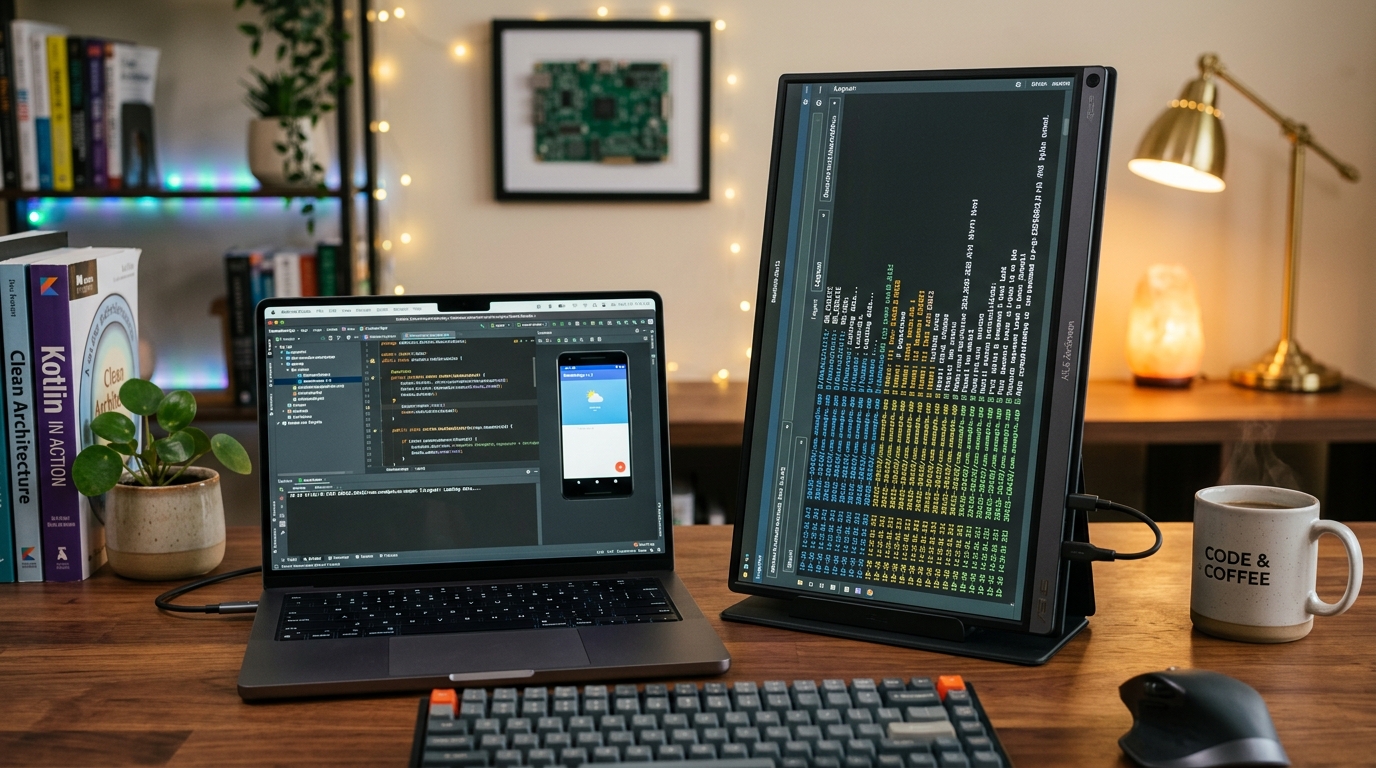
Navigating Massive Logcat Dumps and Wide Code Diffs: Why Android Developers Swear by the Logitech MX Master 3S
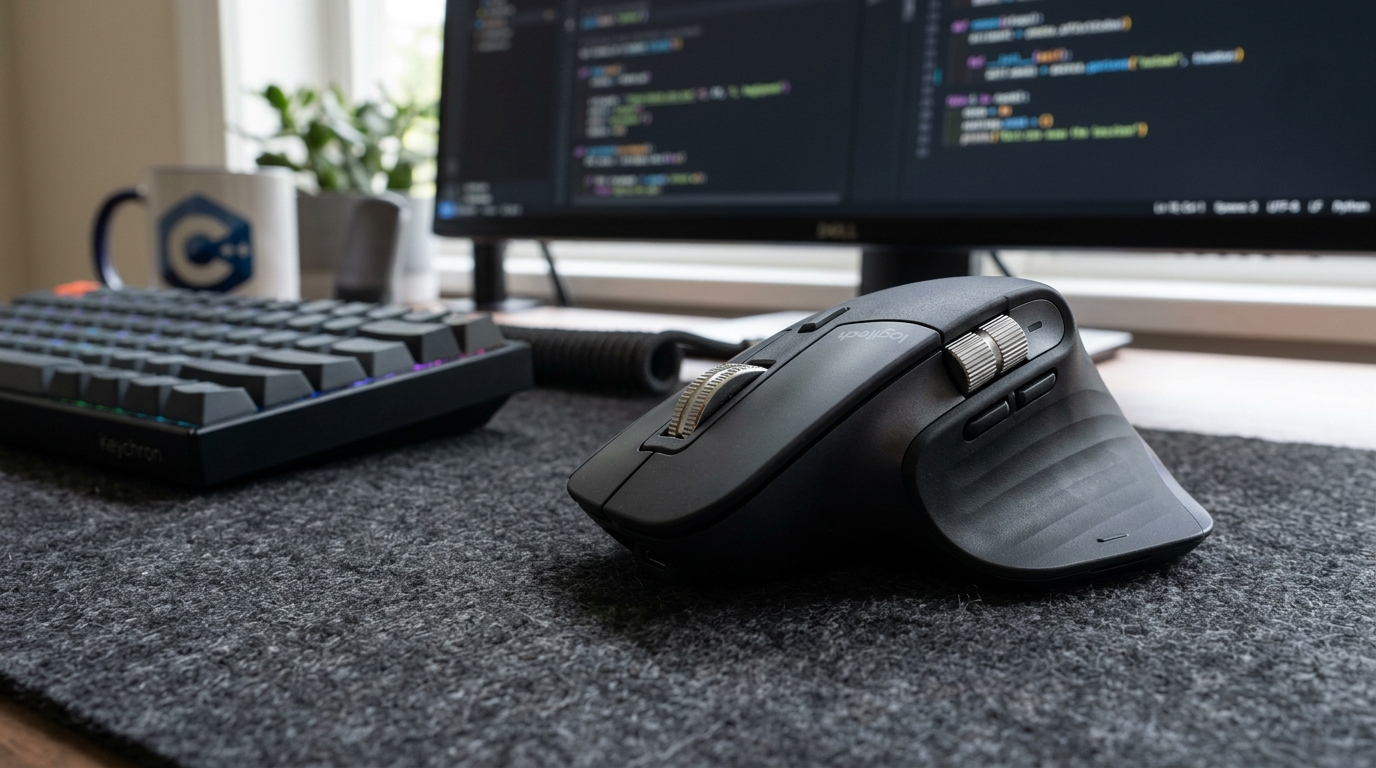
The horizontal thumb wheel alone eliminates one of the most frustrating parts of modern Android development: dragging horizontal scrollbars across 300-character JSON payloads and Git split diffs.

Alex Rivera
Mobile Architecture & QA Lead
Buy This Product on Amazon
Fast, trackable shipping with official manufacturer warranty & 30-day return policy.
What We Loved (Pros)
- Dedicated machined aluminum horizontal thumb wheel glides effortlessly through wide code diffs and JSON tables
- Electromagnetic MagSpeed scroll wheel shifts from precise ratcheting to 1,000 lines-per-second free-spin
- 90% quieter acoustic click switches eliminate distracting click clatter in quiet development offices
- 8,000 DPI Darkfield sensor tracks flawlessly across any desk surface, including bare glass tables
- Logi Options+ software allows custom gesture mapping directly to Android Studio build, debug, and run actions
Room For Improvement (Cons)
- Sculpted right-handed ergonomic form factor offers zero usability for left-handed developers
- At 141 grams, it is significantly heavier than minimalist competitive travel mice
- Logi Options+ background daemon requires occasional memory monitoring on tightly constrained systems
Key Technical Specifications
Amazon Gaming Week Specials: Verified Lightning Discounts
Upgrade Your Console Today - Best Amazon Prices

When software engineers invest in developer hardware, mice are frequently treated as an afterthought. You buy a top-spec laptop with 32GB of RAM, pick a crisp external monitor, and grab whatever ten-dollar office mouse is lying in the supply closet. Yet during an eight-hour sprint of architecting features, reviewing pull requests, and inspecting runtime crashes, your hand rests on that mouse for thousands of physical interactions.
In Android app development, the pain points of a basic mouse become obvious within minutes:
- The Horizontal Scroll Nightmare: Android Studio’s Logcat logs routinely stretch 250 characters wide when printing complex network requests, serialized JSON models, or exception traces. On a standard mouse, you are forced to stop what you are doing, hunt down a 4-pixel-wide horizontal scrollbar, drag it right, read the log, and drag it back. Doing this two hundred times a day is a recipe for wrist strain and mental fatigue.
- Infinite Log Dumps: When reproducing an intermittent race condition, your terminal buffer accumulates 15,000 lines of logs. Scrolling through that with a conventional notched mouse wheel requires dozens of repetitive finger swipes.
The Logitech MX Master 3S solves these exact friction points with surgical precision. It is widely considered the undisputed benchmark mouse for software engineers, and for Android developers in particular, its specific hardware layout is nothing short of indispensable.
The Killer Feature: The Machined Horizontal Thumb Wheel
While the MX Master 3S boasts dozens of technical specifications, the single feature that justifies its price tag for Android developers is the dedicated horizontal thumb wheel.
Positioned right above your thumb rest, this knurled aluminum wheel operates with butter-smooth resistance. In Android Studio, GitKraken, VS Code, or GitHub pull request reviews:
- Instant Wide Logcat Traversal: Spin your thumb to pan sideways across long log lines without touching your keyboard or dragging a scrollbar.
- Side-by-Side Git Diffs: During complex merge conflicts and three-way diff reviews, panning left and right between your local branch and remote HEAD feels completely fluid.
- Wide Compose Layouts: Navigating deep component trees or multi-column tablet layouts inside Android Studio's design preview canvas becomes instantaneous.
Once you experience horizontal thumb scrolling during a live debugging session, going back to a standard single-wheel mouse feels like typing on a keyboard with missing keys.
Electromagnetic MagSpeed Scrolling: 1,000 Lines Per Second
The primary vertical scroll wheel on the MX Master 3S is powered by an electromagnetic mechanism that Logitech calls MagSpeed. Unlike traditional mechanical wheels that rely on rubber gears and plastic friction pawls, MagSpeed uses electromagnetic coils to generate physical tactile resistance.
It features two distinct modes:
- Ratcheted Mode: Delivers crisp, tactile step-by-step clicks for precise single-line code scrolling.
- Free-Spin Mode: Flick the wheel with a bit of velocity, and the electromagnets disengage instantly. The wheel spins silently on stainless steel bearings for up to seven seconds, effortlessly rocketing through 10,000 lines of terminal logs or 500-page API documentation in a single flick.
When you spot the error tag you were searching for, tap the wheel with your finger, and the electromagnetic brake stops the scroll dead in its tracks. The time saved navigating massive files over months of development compounds dramatically.
Quiet Acoustic Switches and Ergonomic Health
The "S" in MX Master 3S designates Logitech's quiet-click switch upgrade. Compared to the older MX Master 3, primary click noise is reduced by roughly 90%. In open-plan engineering offices, late-night home coding sessions, or during team Google Meet calls, your rapid clicks are virtually inaudible to microphones and colleagues.
Ergonomically, the sculpted body angles your hand at a natural 45-degree handshake posture. This significantly reduces pronation in your forearm muscles, helping prevent the repetitive strain injury (RSI) and carpal tunnel tightness that often plagues programmers after years of heavy desktop use.
Mapping IDE Shortcuts to Hardware Gestures
| Physical Control | Default OS Function | Recommended Android Studio Custom Mapping |
|---|---|---|
| Horizontal Thumb Wheel | Horizontal Scroll | Horizontal Code & Logcat Scroll (Keep Default) |
| Forward Side Button | Navigate Forward | Run App (Shift + F10): Instantly trigger build & deploy to test device. |
| Back Side Button | Navigate Backward | Debug App (Shift + F9): Launch debugger session with a single click. |
| Thumb Rest Gesture Button | Task View / Mission Control | Toggle Terminal / Logcat Panel (Alt + 6): Open/close log console instantly. |
Workstation Pairing Advice
To build an ultra-efficient coding environment, pair the MX Master 3S with a custom mechanical keyboard like the Keychron V1. The combination gives your left hand complete command over firmware-level IDE macros while your right hand maneuvers effortlessly through wide code diffs and terminal buffers.
And if your desk setup includes a vertical ARZOPA portable monitor for streaming logs, the 8,000 DPI sensor on the MX Master 3S allows you to sweep your cursor seamlessly across dual 1080p displays with a gentle wrist motion.
Frequently Asked Questions
Is the MX Master 3S suitable for left-handed engineers?
No. The sculpted thumb wing and horizontal scroll wheel are specifically contoured for right-handed ergonomic use. Left-handed developers should consider symmetrical ambidextrous alternatives like the Logitech G Pro Wireless.
How long does the rechargeable battery last on a single charge?
Logitech rates the battery for up to 70 days on a full charge. In practical daily developer use (8–10 hours per day), you will typically charge it via USB-C once every six to eight weeks. A one-minute quick charge provides over three hours of emergency runtime.
Does it connect reliably without the USB receiver?
Yes. The MX Master 3S supports Bluetooth Low Energy directly to macOS, Windows, and Linux. The included Logi Bolt USB receiver is also included for environments with heavy 2.4GHz RF congestion, ensuring latency-free performance.
Final Assessment
The Logitech MX Master 3S is not a luxury gadget; for an Android developer, it is a high-precision productivity instrument. The horizontal thumb wheel permanently eliminates one of the most tedious navigation hurdles in modern software engineering, while the electromagnetic MagSpeed wheel makes light work of massive Logcat dumps. It is easily one of the best investments you can make in your daily programming comfort and efficiency.
VERIFIED AMAZON AFFILIATE LINK
Ready to upgrade your gaming setup?
Click below to lock in the lowest guaranteed Amazon price, check customer reviews, and claim free Prime shipping.
Check Price & Buy on Amazon ($99.99)Related Hardware & Game Guides on ReviewSeen
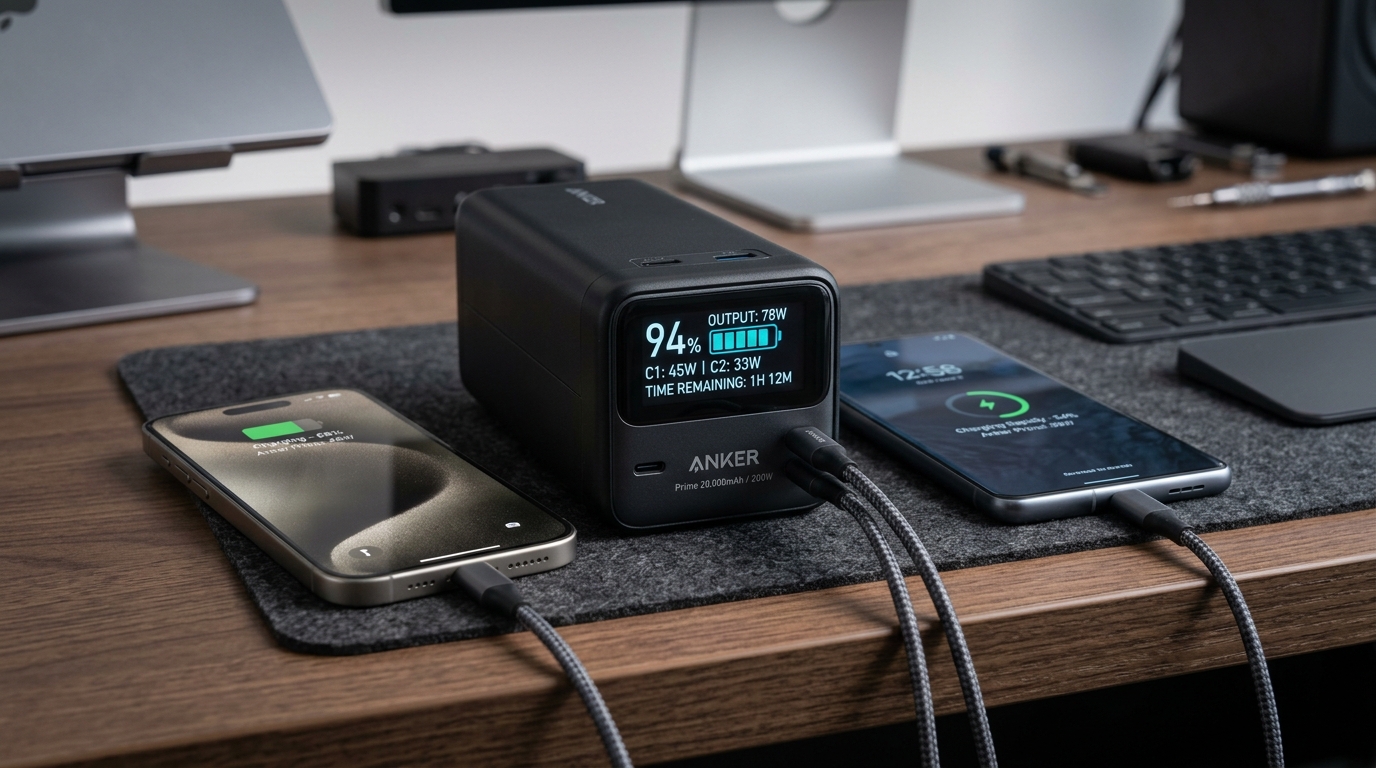
Field-Testing Location Tracking & Background Sync: The Power Bank Setup Android QA Teams Actually Need
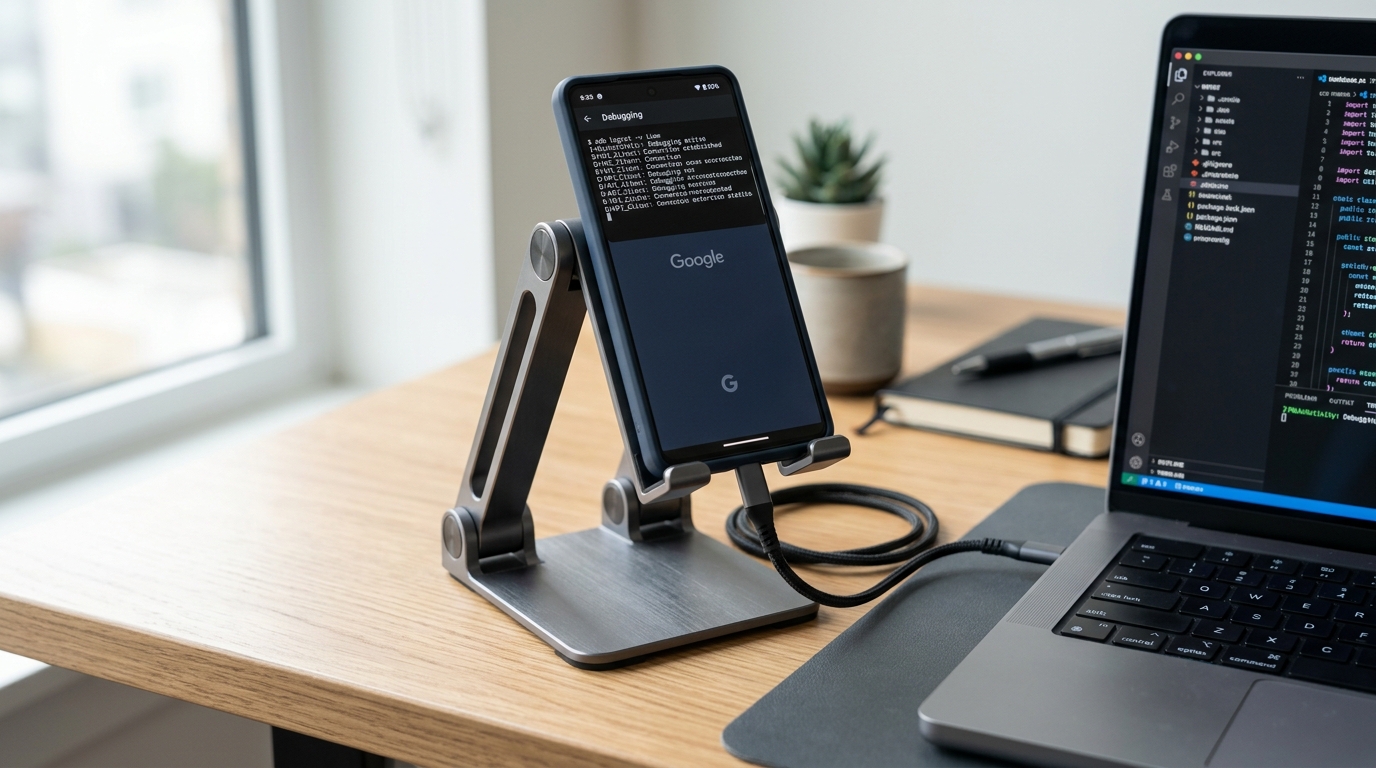
Preventing Cable Strain and False Touch Events: A Heavy-Duty Desktop Stand for Hands-Free ADB Debugging
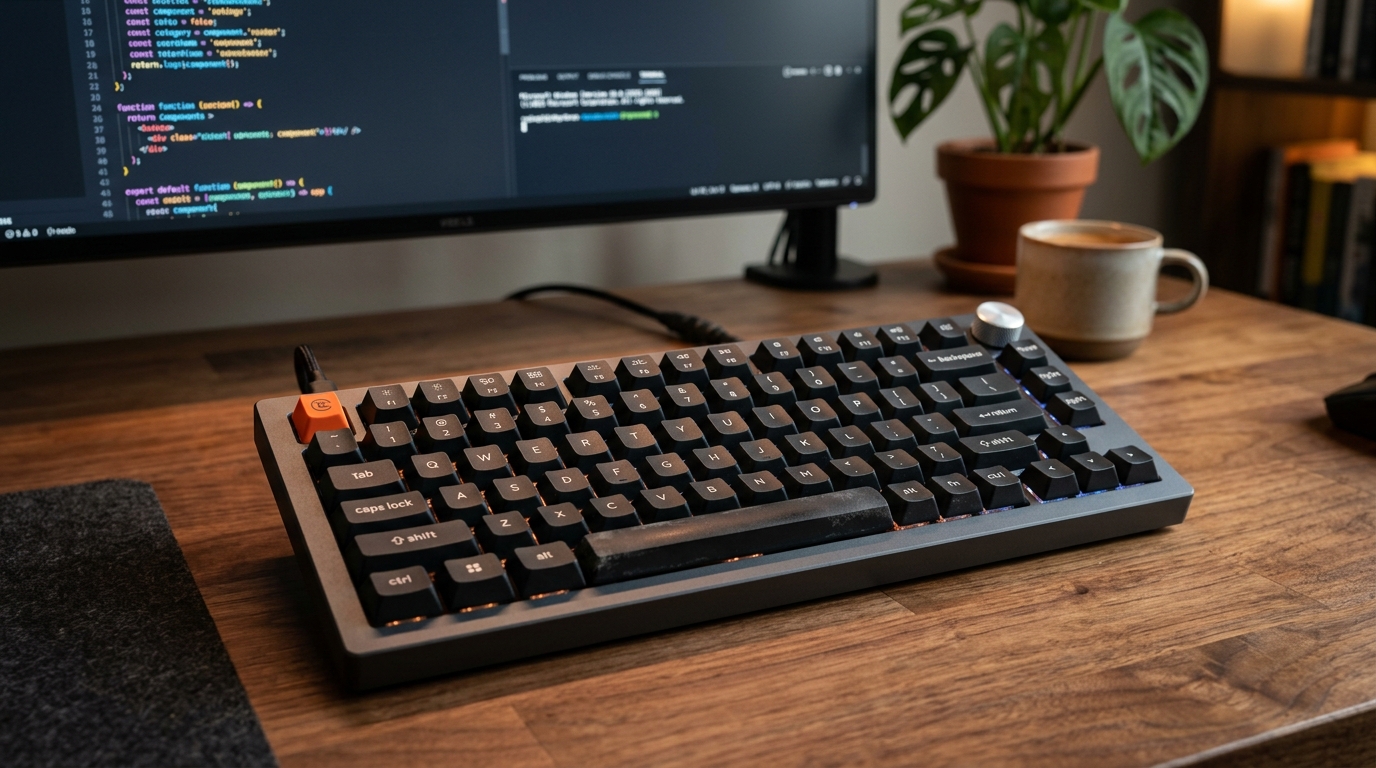
Optimizing the Build-Test-Debug Loop: Mapping Android Studio Hotkeys with the Keychron V1 QMK/VIA Keyboard