The Traveling Android Engineer’s Second Screen: ARZOPA 15.6” Portable Monitor for Dedicated Logcat and Layout Inspector
Coding Android apps on a single 14-inch laptop screen is an exercise in endless window juggling. We break down using a lightweight 1080p panel in portrait orientation specifically for streaming logs.

Alex Rivera
Mobile Architecture & QA Lead
Buy This Product on Amazon
Fast, trackable shipping with official manufacturer warranty & 30-day return policy.
What We Loved (Pros)
- Single-cable USB-C connection carries both 1080p video signal and display power simultaneously
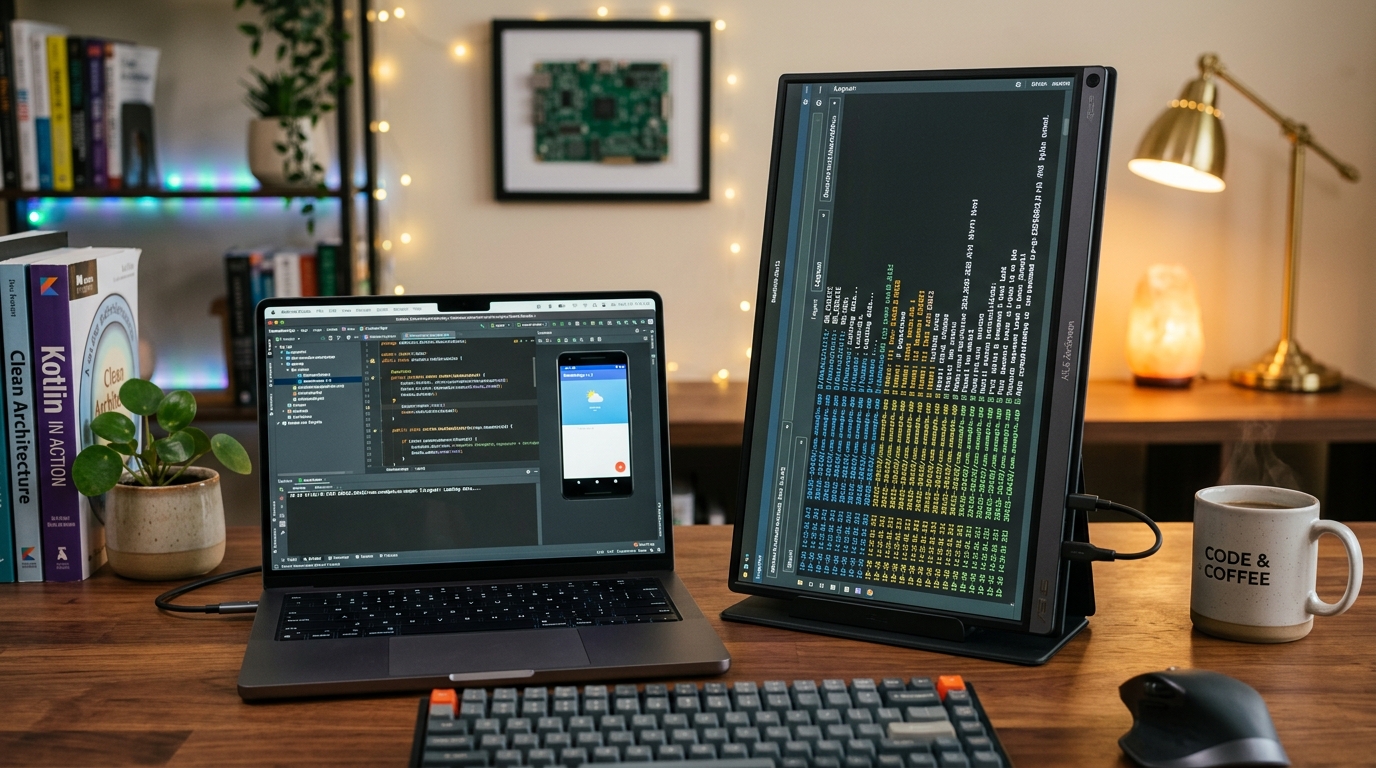
- Rotates seamlessly into vertical portrait mode to display 80+ lines of uninterrupted Logcat traces
- Extremely lightweight at just 1.7 lbs (770g), slipping easily into any standard laptop sleeve
- Crisp 15.6-inch IPS matte anti-glare panel minimizes office overhead light reflections
- Dual USB-C ports with passthrough charging keep host laptops and peripherals running smoothly
Room For Improvement (Cons)
- Included magnetic smart cover stand is relatively flimsy in vertical portrait orientation
- 300 nits peak brightness is adequate for indoor coffee shops but struggles in direct outdoor sunlight
- Built-in stereo speakers are thin and tinny (fine for system notification chimes, poor for media)
Key Technical Specifications
Amazon Gaming Week Specials: Verified Lightning Discounts
Upgrade Your Console Today - Best Amazon Prices

If you build Android applications on a single laptop screen while traveling, at coffee shops, or in shared co-working spaces, you spend an absurd portion of your workday performing the "window shuffle." Your IDE takes up full screen. You trigger a build and need to inspect Logcat, so you shrink the editor. Then you open the Layout Inspector to debug a misaligned Compose modifier, which obscures your source code. Next, you pull up Google Play Console to check real-time crash reports, and suddenly your desktop is a chaotic mess of overlapping tiles.
Dual monitors are standard at office desks, but traditional desktop monitors are anchors you cannot pack into a backpack. Enter the portable monitor category. While there are dozens of generic panels on Amazon, the ARZOPA S1 Table 15.6” 1080p Portable Monitor has become an underground favorite among mobile engineers for one specific, game-changing workflow: the vertical Logcat display.
The Vertical Logcat Revelation
Most developers treat second monitors as horizontal canvases for web browsers or Slack. But Android debugging is fundamentally a vertical discipline. A single stack trace from a nested NullPointerException or a Compose recomposition loop can stretch 60 lines tall.
On a horizontal laptop display, the Logcat tool window at the bottom of Android Studio typically shows only 8 to 12 lines of text before you have to scroll. You are constantly peering through a tiny keyhole into your application’s runtime behavior.
When you rotate the ARZOPA 15.6-inch panel 90 degrees into portrait orientation (1080 x 1920 resolution):
- 80+ Continuous Lines of Logs: You can see an entire application lifecycle transition—from
onCreate()through foreground service binding and network payload deserialization—without touching the scrollbar. - Zero Clutter in Your Primary IDE: Your primary laptop screen remains 100% dedicated to code: clean, full-width Kotlin files, side-by-side Git diffs, and terminal panes.
- Layout Inspector Headroom: In Jetpack Compose, the Component Tree and Layout Inspector can stretch out fully, making it easy to spot redundant wrapper nodes that degrade rendering performance.
Connecting and Powering: Single-Cable USB-C Elegance
Nothing kills the appeal of a mobile setup faster than an octopus of proprietary power bricks and heavy HDMI converters. The ARZOPA S1 excels because it supports Full-Featured USB-C with DisplayPort Alt-Mode.
A single USB-C cable running from your MacBook, ThinkPad, or Dell XPS carries both the 1080p video feed and sufficient power to run the panel. You plug in one wire, and within two seconds, your secondary display lights up. If you are using a powered dock like the Anker 555 USB-C Hub, you can route power directly through the hub to charge your laptop while feeding crisp 60fps video to the ARZOPA monitor.
Specifications Analysis for Software Engineers
| Specification | Hardware Measurement | Practical Developer Verdict |
|---|---|---|
| Panel Type | 15.6" IPS Matte Anti-Glare | Wide 178° viewing angles; matte coating diffuses office fluorescent lights effectively. |
| Resolution | 1920 x 1080 (141 PPI) | Ideal 100% native scaling on macOS and Windows; code fonts remain sharp without GPU scaling blur. |
| Weight | 1.7 lbs (770 grams) | Lighter than most hardback programming textbooks; slides into any 15-inch laptop compartment. |
| Power Draw | ~6.5W typical at 70% brightness | Minimal drain on host laptop battery during remote 2-hour coding sprints away from AC outlets. |
Practical Drawbacks and How to Overcome Them
To keep the ARZOPA under the sub-$90 price point, certain compromises were made that you must plan around:
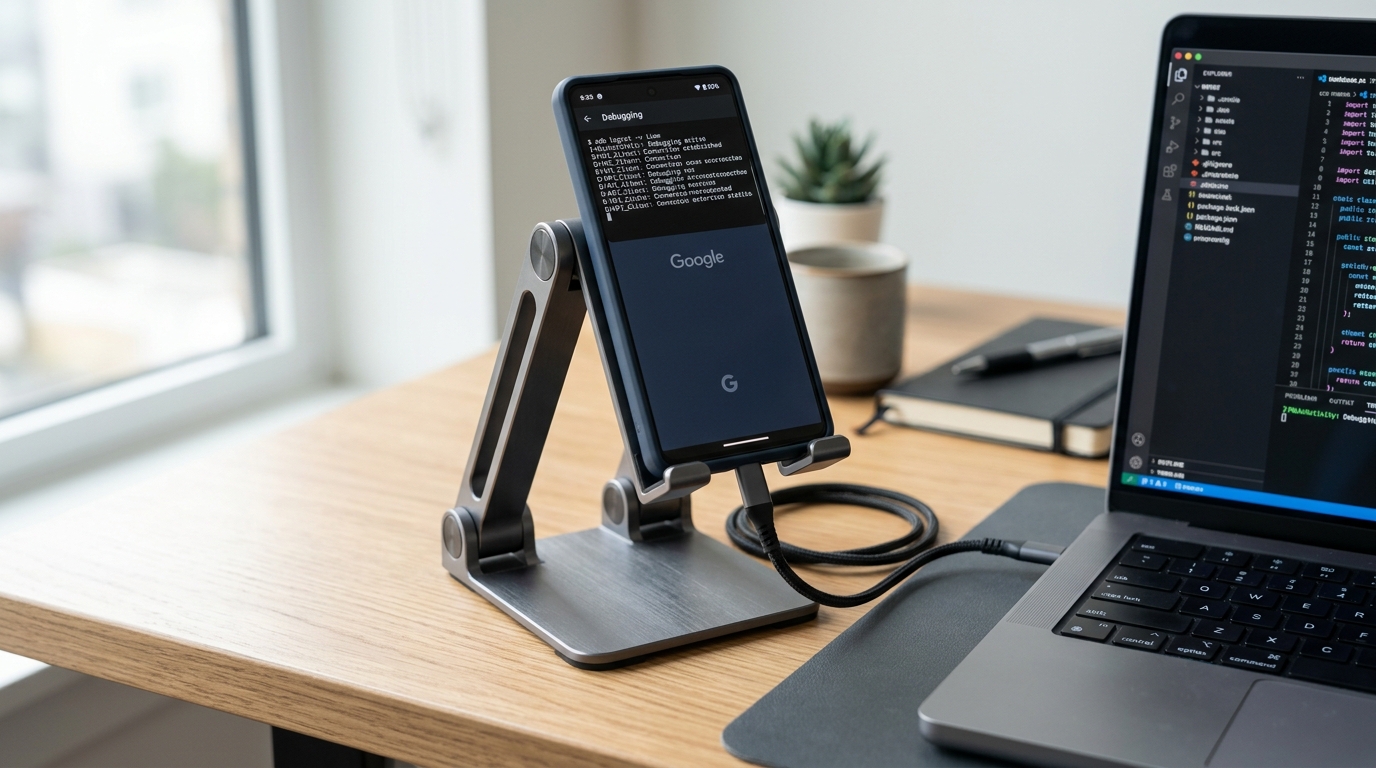
- The Magnetic Cover in Portrait Mode: The included folding magnetic folio functions passably as a landscape prop stand. However, when you stand the monitor up vertically, the folding cover is precarious and prone to tipping over if your desk gets bumped. We strongly advise using an inexpensive compact tablet stand or resting the monitor against your laptop screen base when operating vertically.
- Color Accuracy: While colors are vibrant enough for UI layouts, this is not an AdobeRGB color-mastering monitor. Don’t use it to color-grade marketing promotional graphics for your Google Play store listing; leave visual asset design to your primary calibrated display.
- Brightness Ceilings: At 300 nits, the screen is great for indoor offices, hotel rooms, and coffee shops. If you sit on an outdoor patio in direct sunlight, the display will look washed out.
Completing the Remote Developer Bench
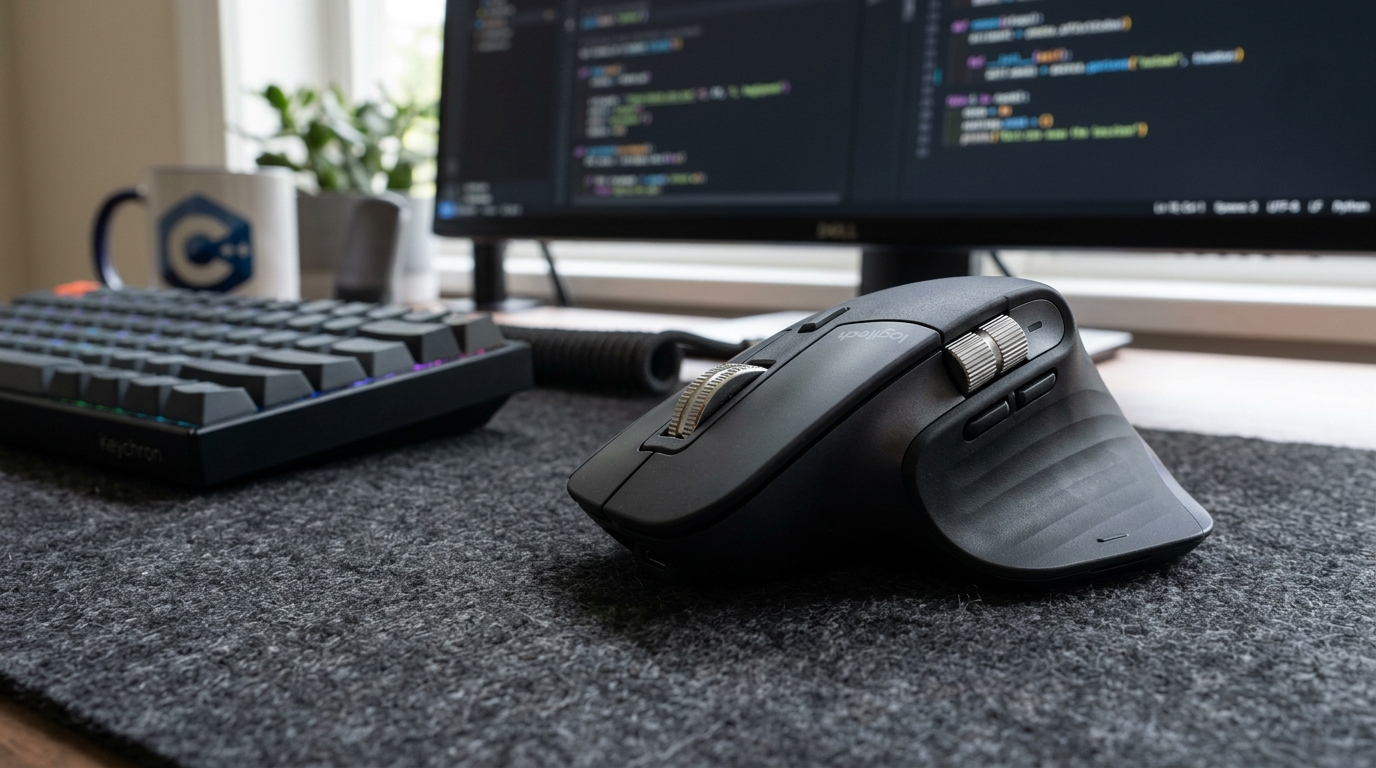
When you pair the ARZOPA monitor with an ultra-responsive mouse like the Logitech MX Master 3S, moving between wide code buffers on your main screen and tall Logcat traces on your vertical screen becomes effortless.
For developers who store multiple heavy AVD emulators and Gradle build caches on external drives, combining the ARZOPA monitor with a rugged Samsung T7 Shield SSD creates a complete, enterprise-grade Android development rig that fits inside a single commuter backpack.
Frequently Asked Questions
Does macOS support rotating this monitor into portrait orientation?
Yes. In macOS System Settings > Displays, you simply select the ARZOPA monitor and set the Rotation dropdown to 90° or 270°. The display immediately flips into native vertical mode with crisp text rendering.
Can I connect an Android smartphone directly to this monitor?
Yes. Modern Android devices supporting DisplayPort Alt-Mode (such as the Google Pixel 8 with recent feature updates or Samsung Galaxy phones with DeX) can output directly to the ARZOPA using a USB-C cable, turning the portable monitor into a standalone testing station.
Does it require an external power bank to run?
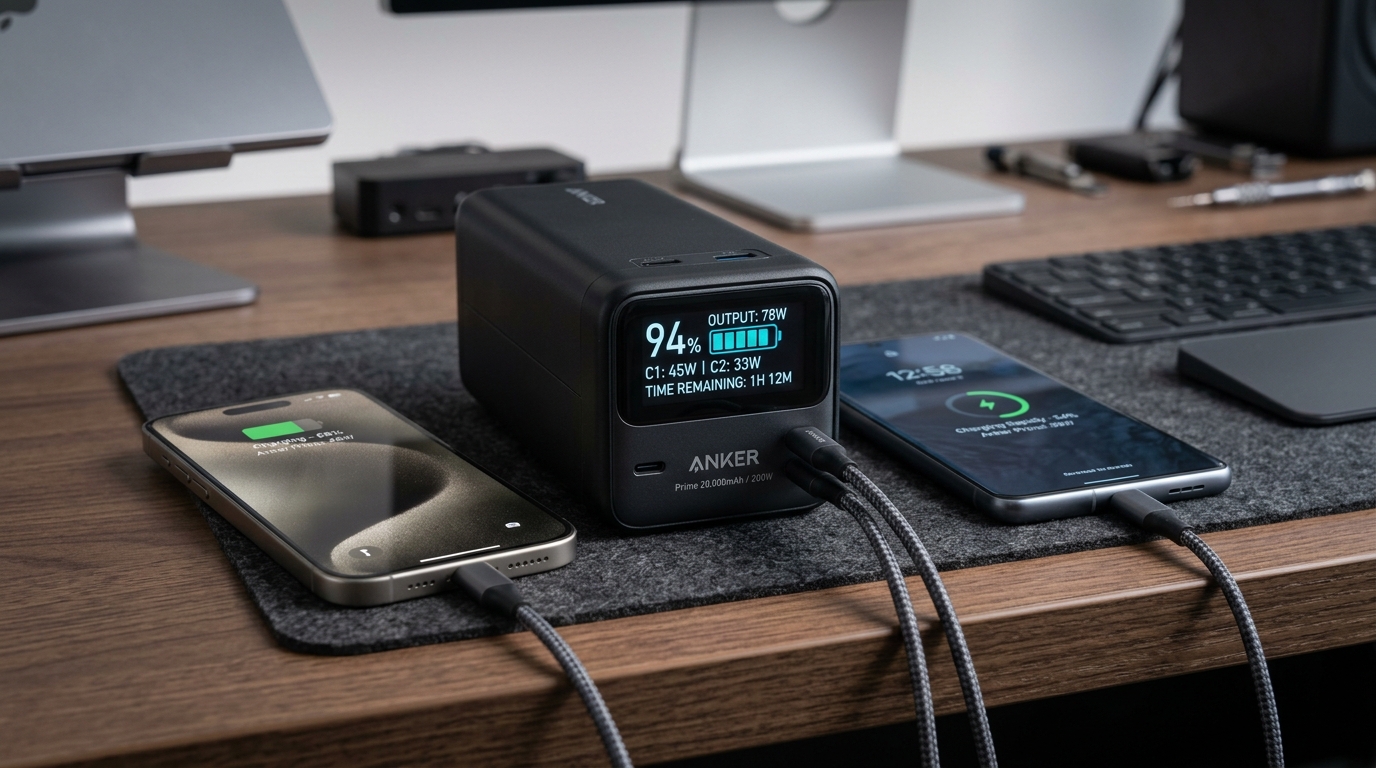
No, provided your laptop's USB-C port outputs at least 10W of bus power. However, if you are working away from wall outlets for extended periods, powering the monitor using an external battery like the Anker Prime 20,000mAh Power Bank preserves your laptop’s internal battery for compilation tasks.
Final Assessment
At under eighty dollars on Amazon, the ARZOPA S1 Table 15.6" Portable Monitor delivers an immediate productivity leap that outshines purchases costing ten times as much. For mobile Android developers tired of squinting through cramped IDE windows, dedicating this lightweight vertical display to Logcat, terminal output, and Layout Inspector is an absolute revelation.
VERIFIED AMAZON AFFILIATE LINK
Ready to upgrade your gaming setup?
Click below to lock in the lowest guaranteed Amazon price, check customer reviews, and claim free Prime shipping.
Check Price & Buy on Amazon ($79.99)Related Hardware & Game Guides on ReviewSeen
Field-Testing Location Tracking & Background Sync: The Power Bank Setup Android QA Teams Actually Need
Preventing Cable Strain and False Touch Events: A Heavy-Duty Desktop Stand for Hands-Free ADB Debugging
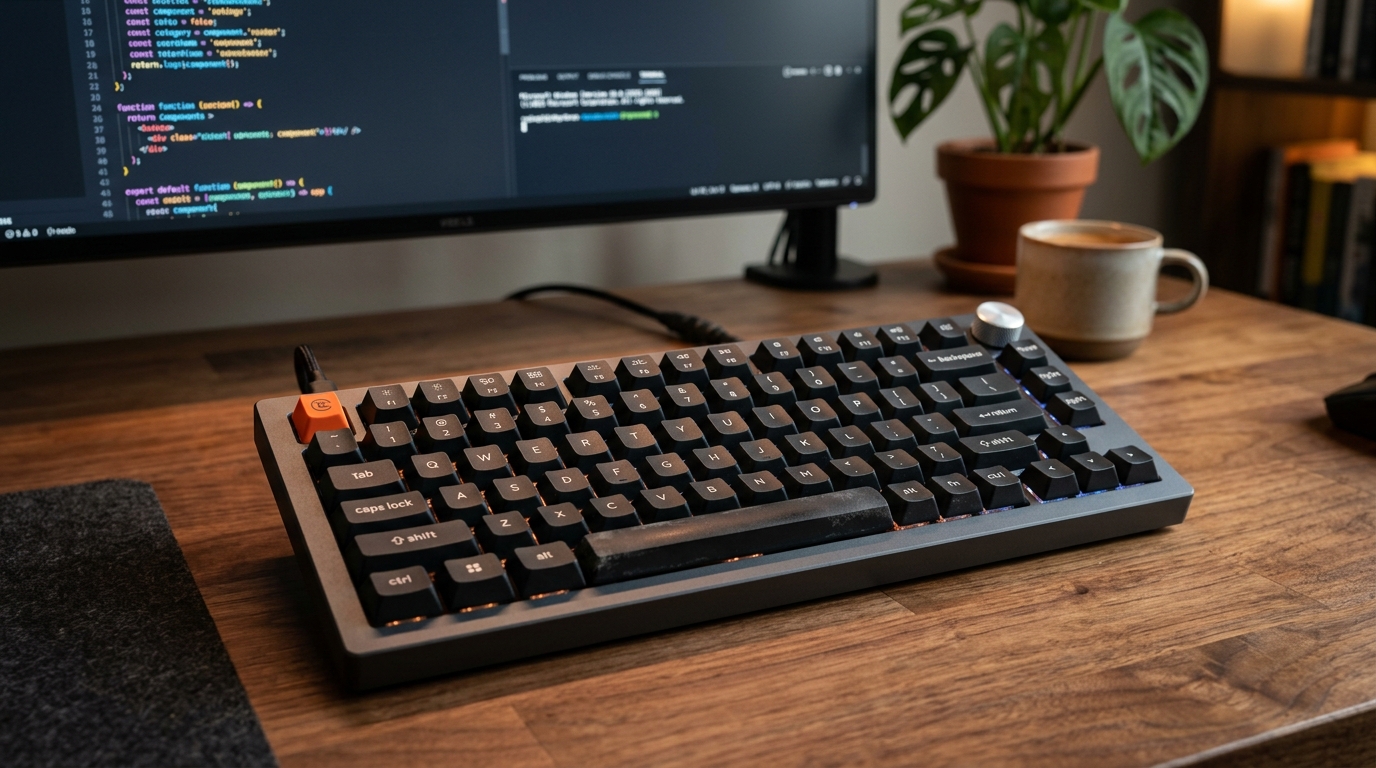
Optimizing the Build-Test-Debug Loop: Mapping Android Studio Hotkeys with the Keychron V1 QMK/VIA Keyboard