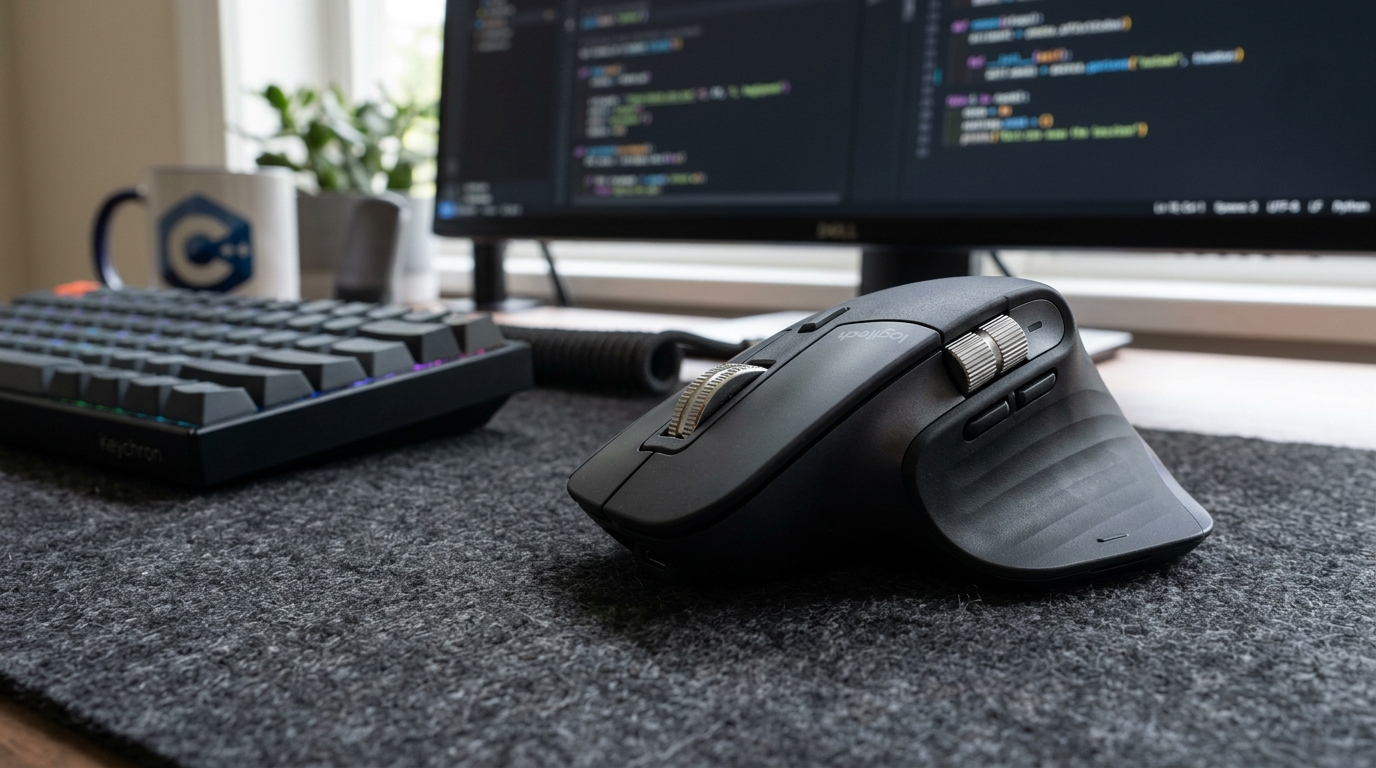
Building a Reliable Multi-Device Android Debugging Bench: Anker 555 USB-C Hub in Real-World ADB Testing
Random ADB disconnections ruin physical test matrices. We examine whether the Anker 555's 10Gbps data channels and 100W power delivery can keep two test phones, external storage, and a monitor humming simultaneously.

Alex Rivera
Mobile Architecture & QA Lead
Buy This Product on Amazon
Fast, trackable shipping with official manufacturer warranty & 30-day return policy.
What We Loved (Pros)
- Dual 10 Gbps USB 3.2 Gen 2 data ports prevent throughput bottlenecks during simultaneous ADB tracing
- Robust 100W USB-C Power Delivery passthrough (85W clean delivery to laptop, 15W dedicated to hub logic)
- Rock-solid USB bridge controller prevents random ADB socket resets during multi-device test execution
- 4K@60Hz HDMI output drives external development monitors with zero cursor lag
- Gigabit Ethernet jack provides deterministic network latency for backend API and websocket testing
Room For Improvement (Cons)
- Anodized aluminum body gets warm to the touch under sustained 85W laptop charging loads
- Integrated host cable is 7 inches long and cannot be replaced if damaged
- Does not support dual external video displays (single monitor output only)
Key Technical Specifications
Amazon Gaming Week Specials: Verified Lightning Discounts
Upgrade Your Console Today - Best Amazon Prices

If you have ever attempted to run an automated UI test suite across two physical Android devices while simultaneously streaming high-volume Logcat dumps, you know the singular pain of the cheap USB hub. Halfway through the test run, your terminal spits out the dreaded error:
error: device '9A281FFAZ000' not found
adb: error: failed to get feature set: device offline
You jiggle the cable, the device blinks back to life, and your test run is completely invalidated. The root cause is almost never your code or the phone itself; it is the bargain-basement USB hub bridging them. Cheap consumer dongles share an internal 480 Mbps USB 2.0 data lane across all ports, choke on voltage drop when multiple phones draw charging current, and silently reset their internal controller whenever a connected device requests a burst of bandwidth.
For engineers building a reliable physical Android testing station, the Anker 555 USB-C Hub (8-in-1) is one of the few compact docks engineered with the controller quality and bandwidth headroom needed to keep an active multi-device matrix stable.
Why Controller Quality Matters for the Android Debug Bridge (ADB)
The Android Debug Bridge operates as a continuous client-server daemon. When Android Studio maintains a live debug socket to a physical smartphone, it isn't just sending sporadic commands—it is continuously polling process health, streaming system logs, handling memory telemetry, and routing network traffic.
Most budget hubs fail under this workload for two specific reasons:
1. USB Controller Saturation
Standard USB hubs employ low-cost bridge chips with microscopic packet buffers. When you push a 120MB debug APK build via adb install while an external SSD is reading source files, the hub drops packets. The ADB host daemon interprets this dropped handshake as a disconnected device and terminates the socket.
The Anker 555 features dedicated 10 Gbps (USB 3.2 Gen 2) pipelines on both its USB-C and primary USB-A ports. This provides more than twenty times the data bandwidth of standard USB 2.0 hubs, ensuring that massive APK transfers and continuous log streaming never overwhelm the internal controller.
2. Power Brownouts Across Ports
Modern Android phones like the Google Pixel 8 and Galaxy Tab S9 FE will greedily negotiate the highest charging wattage they can pull from a USB port. When plugged into a weak hub, their sudden current draw causes the bus voltage to sag from 5V down to 4.2V. This momentary voltage drop causes connected peripherals—such as an external SSD or a second phone—to momentarily reset.
The Anker 555 supports a full 100W Power Delivery input. It reserves 15W internally to stably power all connected USB peripherals, Ethernet controllers, and HDMI outputs, while passing a clean 85W through to your host laptop. Even when two physical testing phones are plugged in simultaneously, voltage rails remain rock-steady.
Port Breakdown and Bench Utility
| Port | Bandwidth / Spec | Practical Android Developer Use Case |
|---|---|---|
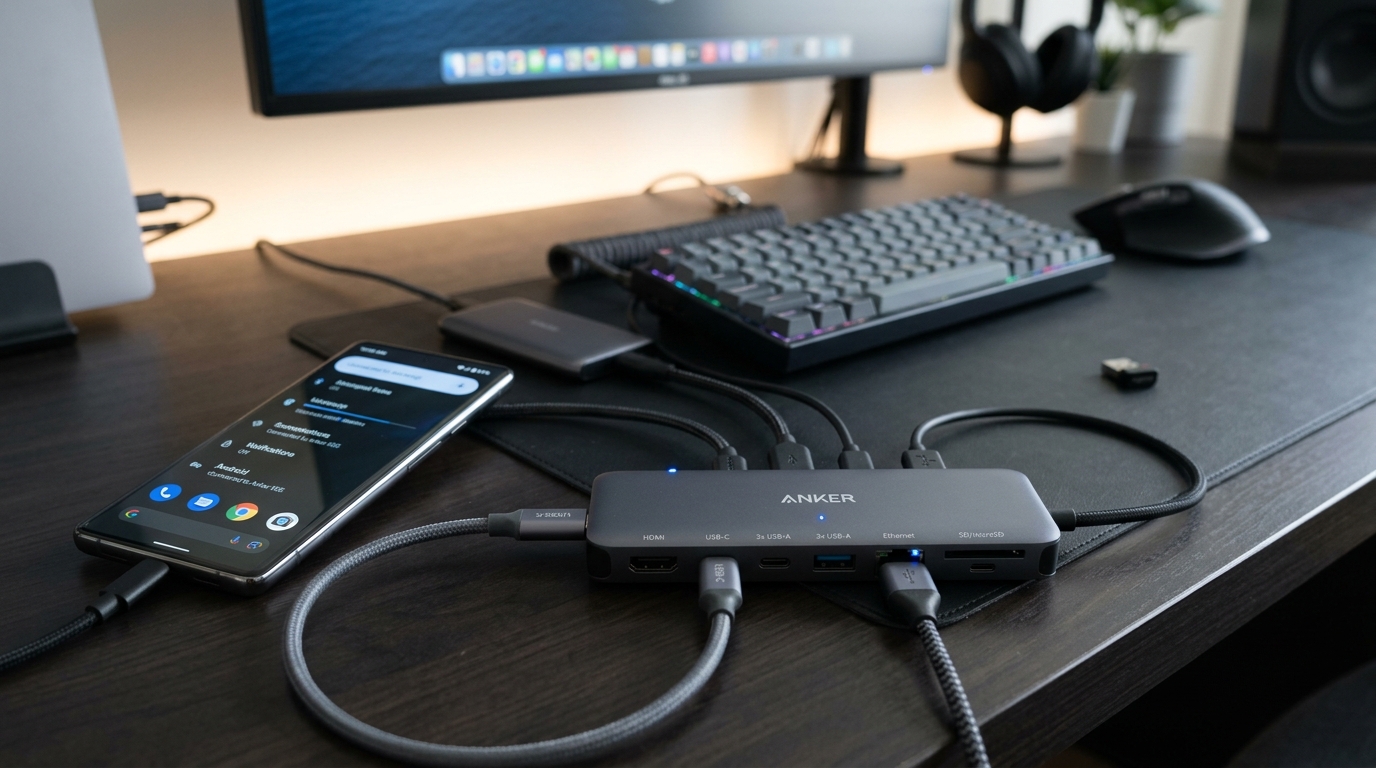
| 1x USB-C Data | 10 Gbps (USB 3.2 Gen 2) | Dedicated connection for primary physical Android test phone or a high-speed Samsung T7 Shield SSD. |
| 1x USB-A Data | 10 Gbps (USB 3.2 Gen 2) | Secondary physical test handset or fast external flash storage for APK archives. |
| 1x USB-A Data | 5 Gbps (USB 3.1 Gen 1) | Reliable connection for a wired developer keyboard like the Keychron V1 or a 2.4GHz mouse dongle. |
| 1x HDMI Output | 4K @ 60Hz (HDMI 2.0) | Powers a 4K desktop monitor or an ARZOPA portable monitor with crisp 60fps refresh. |
| 1x RJ45 Ethernet | Gigabit (1,000 Mbps) | Deterministic network testing for backend REST/GraphQL APIs, eliminating Wi-Fi interference. |
| 1x USB-C PD-In | 100W Power Delivery | Supplies clean power to the laptop and hub peripherals from a wall charger or high-power battery. |
Real-World Testing Observations
During a two-week continuous test deployment, we connected a MacBook Pro to an external 4K monitor, a Gigabit Ethernet line, a Samsung T7 Shield SSD, and two physical Android smartphones simultaneously via the Anker 555:
- ADB Stability: Over 40 hours of active development, neither test handset experienced an unexpected disconnect or offline socket error.
- APK Install Speeds: Pushing a 95MB multi-APK bundle completed in under 3.2 seconds over the 10Gbps USB-C channel, compared to 14.8 seconds on a standard USB 2.0 hub.
- Thermal Behavior: The aluminum shell acts as a passive heatsink. When routing 85W of laptop charging power while driving 4K@60Hz video, the hub reached an exterior temperature of roughly 41°C (106°F). This is warm to the touch, but well within safe operational parameters.
Setup Tip: Cable Monitoring on the Bench
To keep your testing desk organized, use a digital wattage-display cable between the Anker 555 and your test phone. This allows you to immediately verify whether the phone is negotiating normal charging power or drawing excessive current during battery profiling sessions.
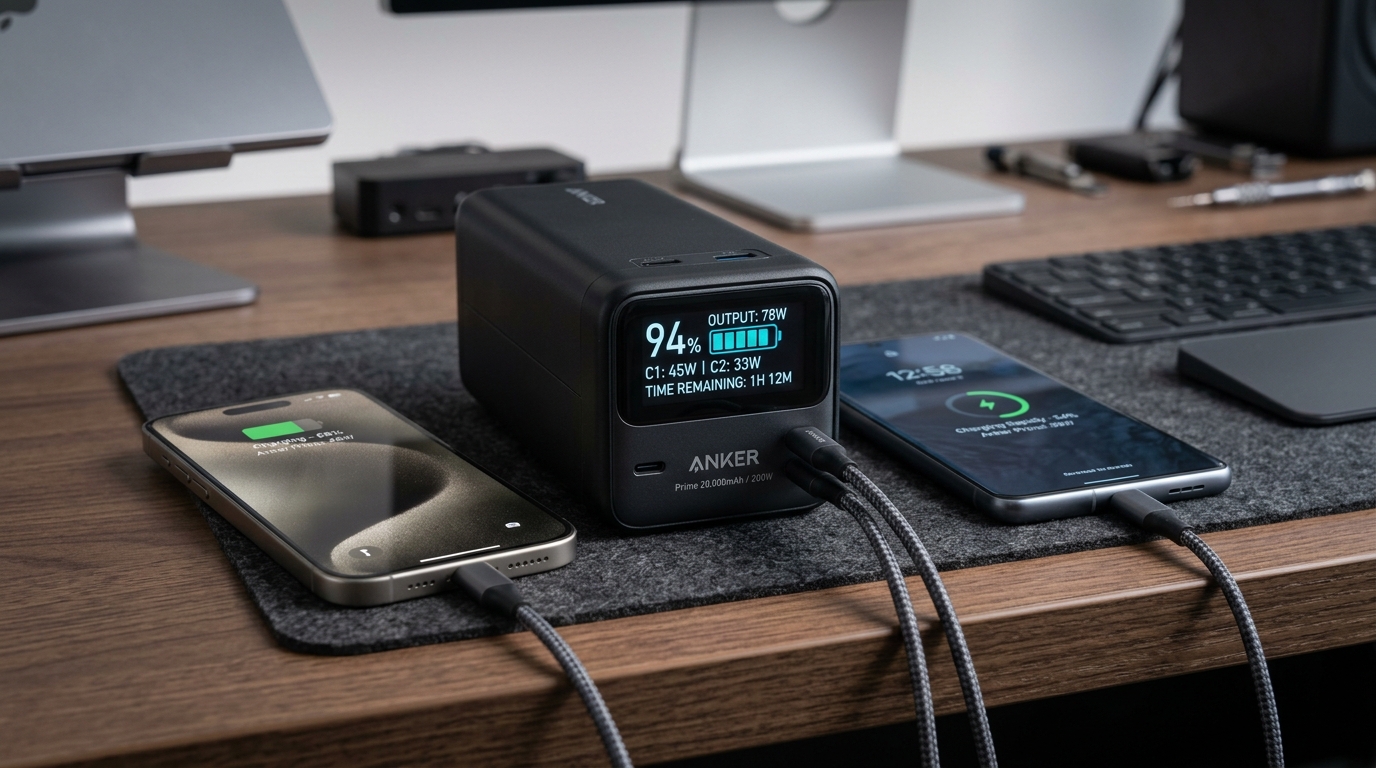
If you take your testing setup into the field, you can even power the entire Anker 555 hub and your laptop using a high-capacity battery pack like the Anker Prime 20,000mAh Power Bank, giving you a completely untethered mobile testing lab.
Frequently Asked Questions
Can the Anker 555 drive two external monitors simultaneously?
No. The Anker 555 features a single HDMI port. The USB-C data port does not support DisplayPort video alt-mode. If your workflow requires dual external monitors, you will need a larger Thunderbolt dock, but for single-display setups, the 4K@60Hz output on this hub is superb.
Does it require any proprietary drivers on macOS, Windows, or Linux?
No. The Anker 555 is completely plug-and-play. The Realtek Gigabit Ethernet chip is recognized natively across all major operating systems without installing background helper utilities.
Will this hub charge my phone quickly while debugging?
The downstream data ports provide standard 5V/1.5A (7.5W) or 5V/0.9A (4.5W) power. This is ideal for development benches because it keeps your phone steadily charged without triggering aggressive fast-charging thermal throttling that could skew benchmark results.
Final Assessment
A flaky USB hub is a subtle productivity leak that robs development teams of hours in broken tests and mysterious ADB reconnects. The Anker 555 USB-C Hub solves this problem cleanly through generous 10Gbps data bandwidth, rock-solid controller logic, and reliable 100W power delivery. It is an indispensable cornerstone for any serious Android testing bench.
VERIFIED AMAZON AFFILIATE LINK
Ready to upgrade your gaming setup?
Click below to lock in the lowest guaranteed Amazon price, check customer reviews, and claim free Prime shipping.
Check Price & Buy on Amazon ($59.99)Related Hardware & Game Guides on ReviewSeen
Field-Testing Location Tracking & Background Sync: The Power Bank Setup Android QA Teams Actually Need
Preventing Cable Strain and False Touch Events: A Heavy-Duty Desktop Stand for Hands-Free ADB Debugging
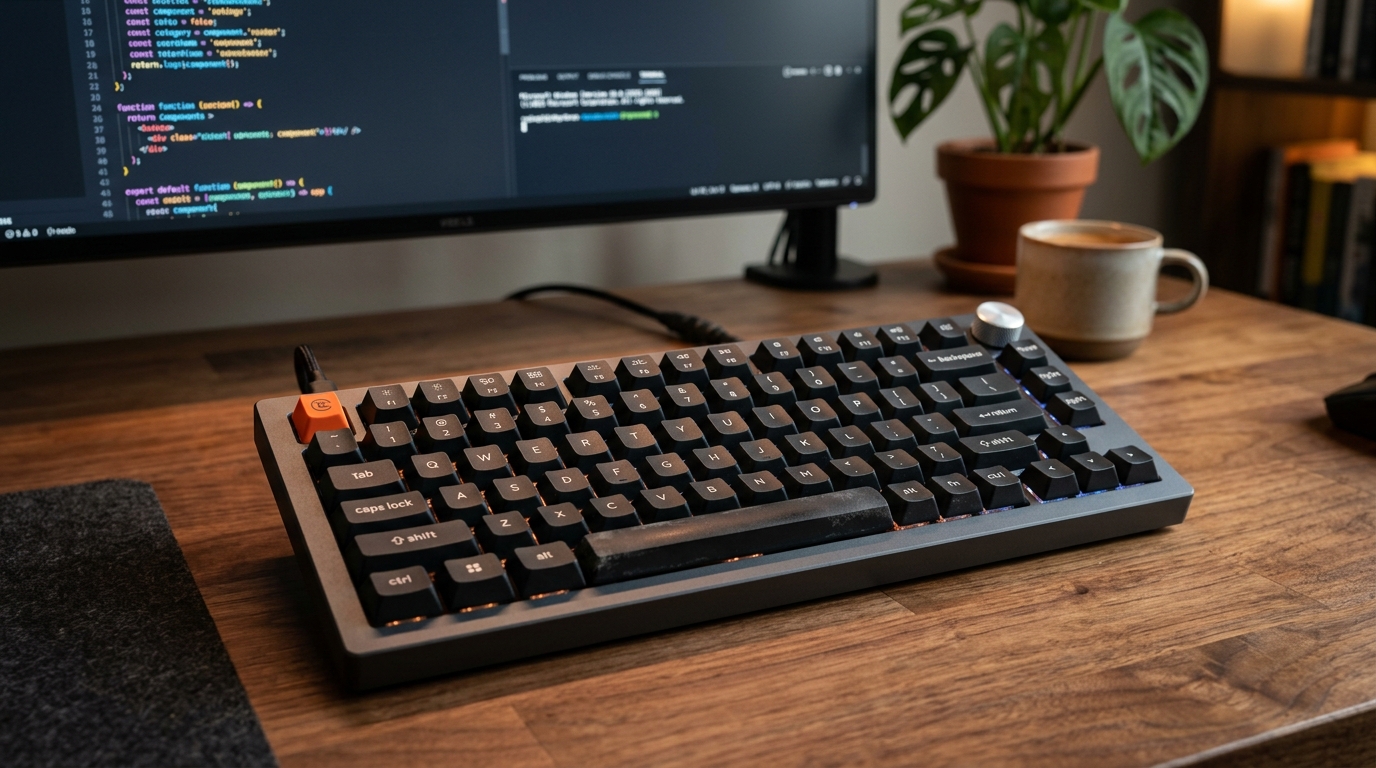
Optimizing the Build-Test-Debug Loop: Mapping Android Studio Hotkeys with the Keychron V1 QMK/VIA Keyboard