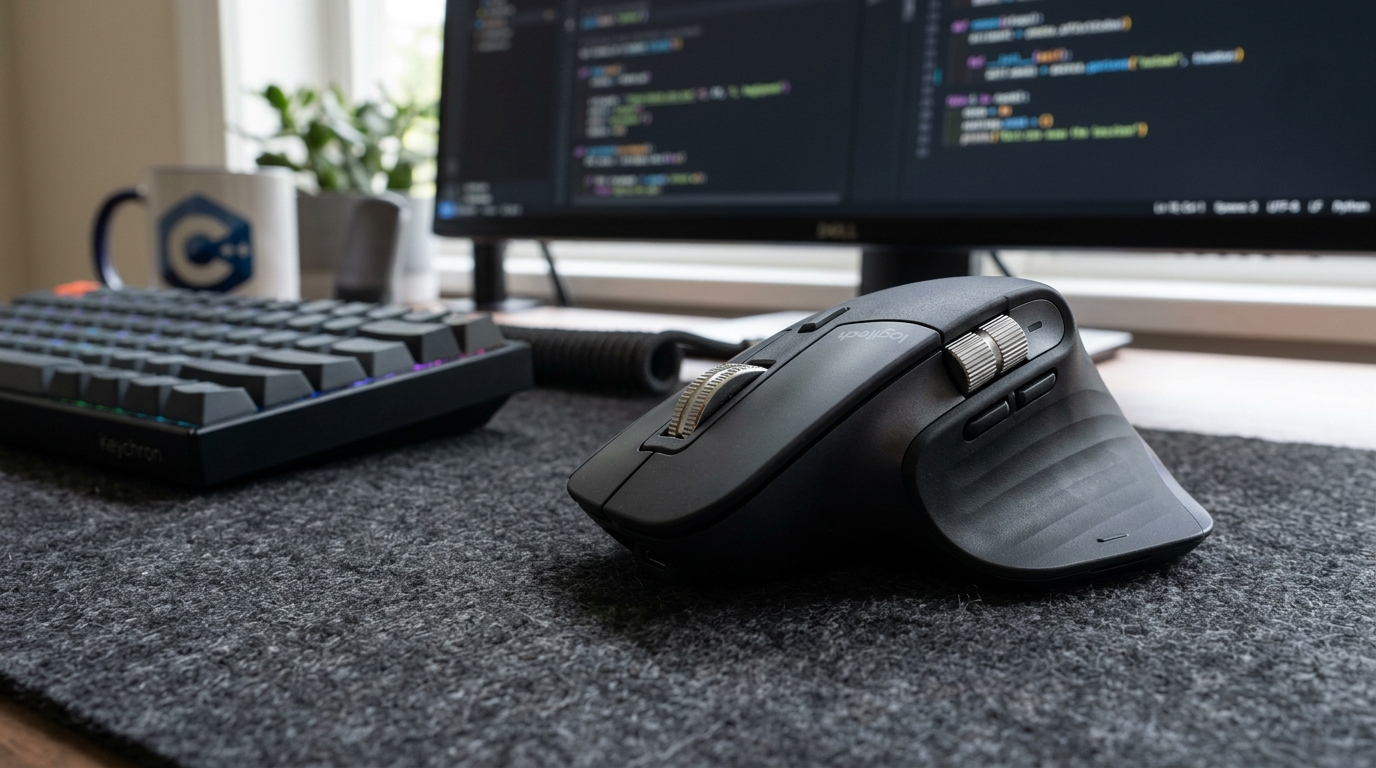
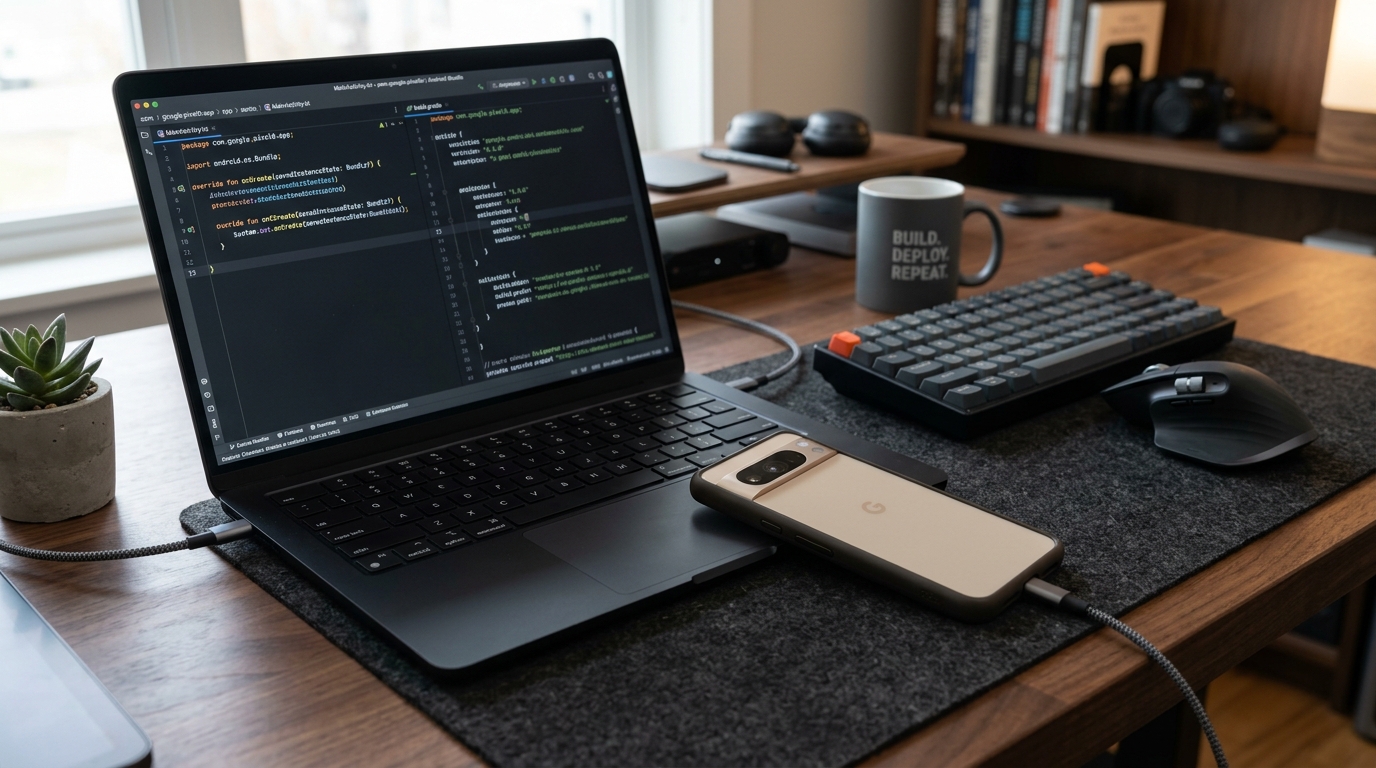
Why the Pixel 8 Remains the Gold Standard Reference Phone for Android App Testing
Clean AOSP behavior, immediate Target API updates, and dependable ADB connectivity make Google’s baseline flagship the most sensible physical testbed for Google Play developers.

Alex Rivera
Mobile Architecture & QA Lead
Buy This Product on Amazon
Fast, trackable shipping with official manufacturer warranty & 30-day return policy.
What We Loved (Pros)
- Pure stock Android implementation with zero aggressive OEM background task killer skins
- Immediate access to developer previews, beta tracks, and annual Android OS upgrades
- Flawless Wireless ADB pairing and USB debugging stability over prolonged sessions
- Hardware-level Play Integrity API and BiometricPrompt hardware security module verification
- 7 full years of official OS and security patch support guaranteed directly by Google
Room For Improvement (Cons)
- Tensor G3 processor warms up noticeably during back-to-back automated UI test suites
- Base 128GB storage can feel tight if hoarding dozens of heavy debug builds and offline logs
- Cannot reproduce OEM-specific bugs (e.g. Xiaomi background kill, Samsung Knox edge cases)
Key Technical Specifications
Amazon Gaming Week Specials: Verified Lightning Discounts
Upgrade Your Console Today - Best Amazon Prices

Every Android engineer has experienced the sinking feeling of opening Google Play Console on a Monday morning to discover a spike in user-reported crashes right after a staged rollout. You check the crash cluster: NullPointerExceptions on orientation change, foreground services being terminated abruptly, or biometric authentications silently failing. When you spin up an emulator in Android Studio, everything compiles and runs without a hiccup. When you run it on your personal phone running a heavily skinned custom ROM, the behavior is completely erratic.
This fundamental disconnect between software emulators and physical user hardware is why maintaining a dedicated, uncompromised physical reference device remains mandatory for anyone publishing software on the Google Play Store. While Android Studio’s virtual devices (AVDs) are excellent for initial feature scaffolding, they cannot replicate thermal throttling, real-world cellular radio switching, Bluetooth LE discovery latencies, or genuine hardware security keystores.
Among all current hardware options on Amazon, the unlocked Google Pixel 8 occupies an unmatched sweet spot for professional Android development teams and solo app publishers alike. Here is an in-depth breakdown of how this device performs on the testing bench, where its strengths lie, and what practical trade-offs you must anticipate before adding one to your test lab.
The Real Problem: OEM Skin Quirks vs. Baseline AOSP Standards
The Android ecosystem’s biggest commercial advantage—hardware diversity—is also an app publisher’s greatest operational headache. Manufacturers frequently inject proprietary battery optimization daemons into their builds. Custom ROMs routinely kill background WorkManager tasks ahead of schedule, throttle scheduled alarms, and discard foreground notification priorities in an aggressive bid to boast longer screen-on time in battery benchmarks.
When you troubleshoot an app crash on a heavily customized OEM device, you face an immediate ambiguity: is this a genuine bug in your Kotlin codebase, or did the manufacturer’s background daemon quietly murder your singleton repository while the screen was locked?
The Pixel 8 eliminates that ambiguity entirely. It runs unmodified stock Android as engineered by Google’s core platform team. When you deploy an APK to the Pixel 8:
- Background Restrictions Behave by the Spec:
JobScheduler,WorkManager, and Doze mode trigger exactly when Android’s documentation says they will. - Permission Dialogs Follow AOSP Guidelines: Granular photo access, notification runtimes, and exact alarm permissions render without proprietary overrides.
- Accurate Android Vitals Telemetry: Testing on a Pixel provides a clean performance baseline that reflects what the Google Play Console Vitals dashboard evaluates when tracking your Excessive Wakeup and Stuck Partial Wake Lock metrics.
If an app feature stutters or leaks memory on a Pixel 8, you know with mathematical certainty that the flaw lives inside your code, not in an obscure vendor patch.
Key Specifications from an Android Developer’s Perspective
Most consumer reviews evaluate smartphones on camera zoom quality or casual gaming frame rates. For software engineers and release managers, a different set of technical parameters matters:
| Specification | Hardware Detail | Impact on App Development & QA |
|---|---|---|
| SoC / Compute | Google Tensor G3 (Titan M2 Security) | Native on-device ML execution; hardware security module for Android Keystore and BiometricPrompt testing. |
| Memory | 8 GB LPDDR5X RAM | Ample headroom to run heavy debug builds alongside Memory Profiler and Layout Inspector without artificial OOM crashes. |
| Display | 6.2" Actua OLED (1080x2400, 60-120Hz) | Validates high-refresh Jetpack Compose scrolling smoothness, frame jank in Perfetto, and compact screen layout margins. |
| Software Lifespan | 7 Years of OS & Security Patches | Guaranteed compatibility testing from Android 14 through Android 21 without needing to discard hardware. |
| USB Port | USB 3.2 Gen 2 Type-C (Up to 10 Gbps) | High-speed ADB trace transfers, lightning-fast APK sideloading, and reliable tethered screen recording. |
Practical Testing Workflows on the Pixel 8
1. Immediate Target API Compliance & Preview Builds
Google Play Console enforces strict annual Target API deadlines. Every August, newly submitted apps and updates must target the latest published API level (such as Target SDK 34 or 35) to remain discoverable to new users. With a Pixel 8, you never have to wait six to nine months for a third-party manufacturer to release a firmware update. You can flash Developer Previews and Beta QPR releases on Day 1 using the web-based Android Flash Tool.
2. Dependable Wireless ADB Debugging
Wireless debugging via Wi-Fi has historically been finicky on third-party devices, often dropping connection whenever the device entered deep sleep. The Pixel 8’s implementation of mDNS pairing under Android 14 and 15 is rock-solid. You can pair once using a QR code in Android Studio and keep the device standing on a desk dock across multiple hours without random socket disconnects.
For bench setups where you need to keep the phone powered while inspecting battery draw, pairing the device with a wattage-display USB-C cable gives you visual proof of charge negotiations while live logs stream across Wi-Fi.
3. Play Integrity API & Biometric Hardening
If your application handles financial transactions, subscriptions, or sensitive user accounts, verifying the Play Integrity API is crucial. Emulators frequently fail hardware-backed integrity checks unless patched with mock keys, which can lead to false security rejections. The Pixel 8 features the hardware-isolated Titan M2 chip, allowing you to test real-world MEETS_STRONG_INTEGRITY responses, biometric passkeys, and encrypted SharedPreferences keystores exactly as your end users will experience them.
Honest Weaknesses: Where the Pixel 8 Falls Short
No testing device is flawless, and approaching the Pixel 8 with realistic expectations will save your team frustration down the line:
- Thermal Buildup During Repetitive CI Runs: The Tensor G3 chip is capable, but under sustained, back-to-back instrumented Espresso or UI Automator suites lasting more than 40 minutes, the chassis gets distinctly warm. Thermal throttling can occasionally introduce artificial UI frame drops that are not present when the device is operating at normal ambient temperatures.
- Not a Substitute for Large-Screen Testing: While the 6.2-inch display is ideal for verifying standard compact smartphone breakpoints, it tells you nothing about how your UI scales to tablets, foldables, or Chromebooks. For teams aiming to satisfy Google Play’s Tier 1 Large Screen Guidelines, you will need a companion tablet such as the Samsung Galaxy Tab S9 FE on your bench.
- Blind to OEM-Specific Skin Glitches: Testing solely on clean AOSP can breed a false sense of security. While the Pixel guarantees that your app conforms to official Android standards, your end users will still run Samsung One UI, Xiaomi HyperOS, and Transsion HiOS. We recommend using the Pixel as your primary development and release baseline, while relying on Firebase Test Lab or cloud device farms for secondary matrix sweeps across heavily skinned variants.
Desk Setup and Cable Management Tips
When running prolonged ADB sessions, keeping your test phone steady is vital. Constantly picking up the device to tap buttons can stress the USB-C port and cause accidental disconnects mid-test. Positioning the Pixel 8 on a heavy-duty adjustable desk stand with an integrated cable channel keeps the screen at eye level alongside your primary IDE window.
If you are managing a multi-phone testing bench alongside external monitors and high-speed storage, plugging into a dedicated dock like the Anker 555 USB-C Hub prevents port starvation on your primary developer laptop.
Frequently Asked Questions
Should I buy a refurbished Pixel 7 or spend more on the Pixel 8?
If budget is an absolute constraint, an older Pixel can serve for basic smoke testing. However, the Pixel 8 represents a major shift: it is the first generation to receive Google's full 7-year software guarantee. Choosing the Pixel 8 gives your development setup guaranteed OS upgrade headroom until 2030, saving you from having to purchase another testing handset in two years when older models lose OS support.
Can I test foldable screen configurations on the Pixel 8?
No. While you can enable developer options to simulate secondary displays or cutouts, physical fold state events (such as folding hinges and Jetpack WindowManager posture transitions) require an actual foldable device or Android Studio's foldable emulator profile.
Does the unlocked US model work with international SIM cards for SMS verification testing?
Yes. The unlocked US Pixel 8 supports extensive global LTE and 5G sub-6 bands along with dual-SIM (physical nano-SIM plus eSIM). This makes it straightforward to test phone-number OTP authentication flows across domestic and international carrier networks.
Final Assessment
For independent software developers, QA engineers, and mobile engineering leads publishing apps on the Google Play Store, the unlocked Google Pixel 8 is the single most dependable reference smartphone available. It strips away OEM ambiguity, delivers immediate access to upcoming Android OS releases, and provides a faithful reflection of Google's official platform guidelines.
While you should still verify builds against popular skinned devices before major public releases, the Pixel 8 remains the ideal foundation on which to write, profile, and validate your core Android application.
VERIFIED AMAZON AFFILIATE LINK
Ready to upgrade your gaming setup?
Click below to lock in the lowest guaranteed Amazon price, check customer reviews, and claim free Prime shipping.
Check Price & Buy on Amazon ($549.00)Related Hardware & Game Guides on ReviewSeen
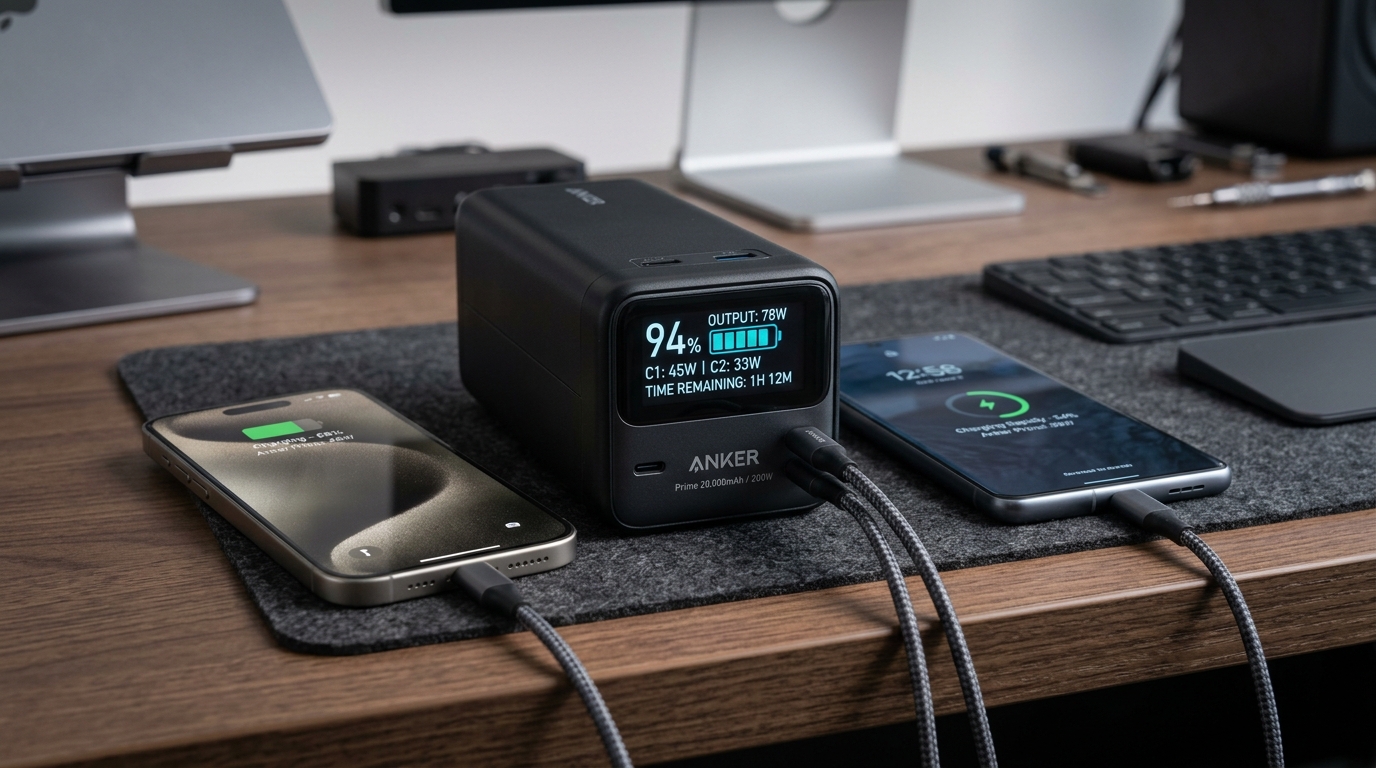
Field-Testing Location Tracking & Background Sync: The Power Bank Setup Android QA Teams Actually Need
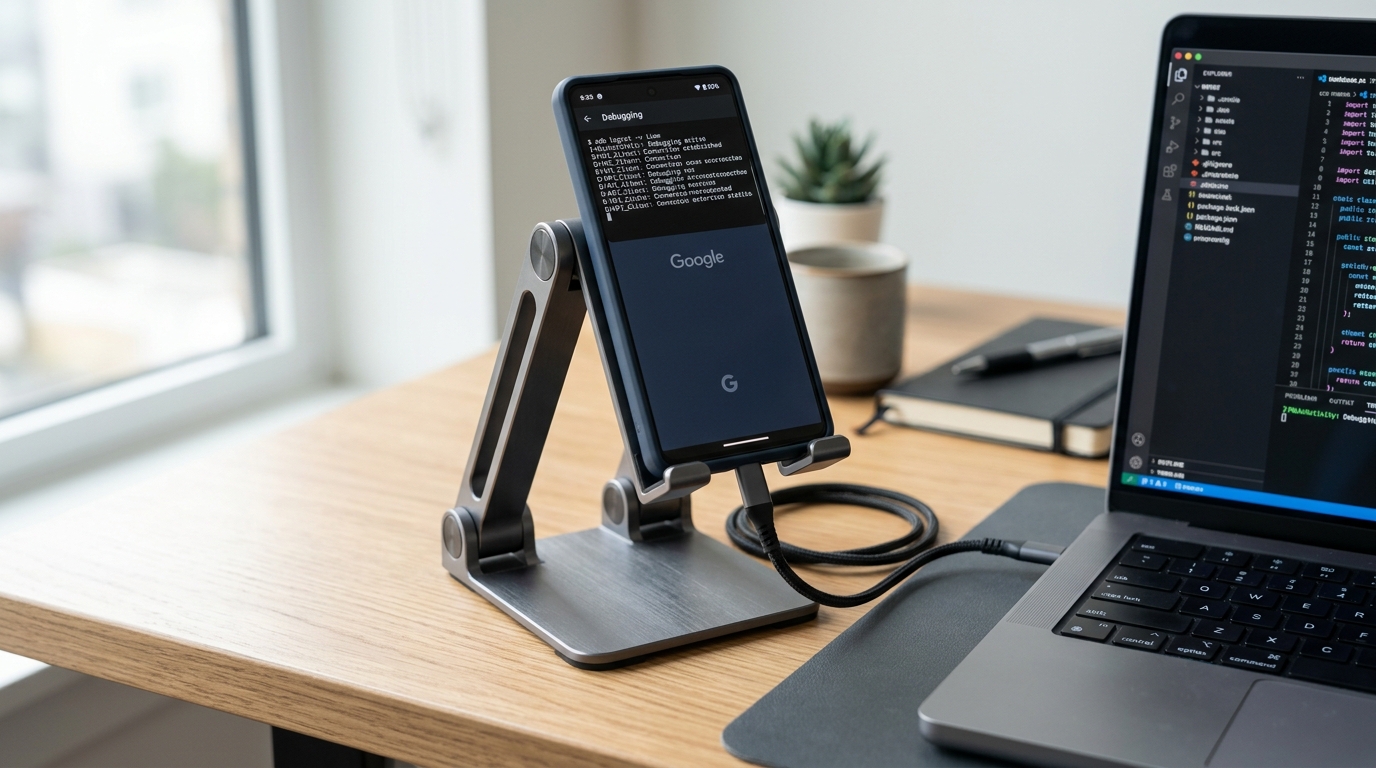
Preventing Cable Strain and False Touch Events: A Heavy-Duty Desktop Stand for Hands-Free ADB Debugging
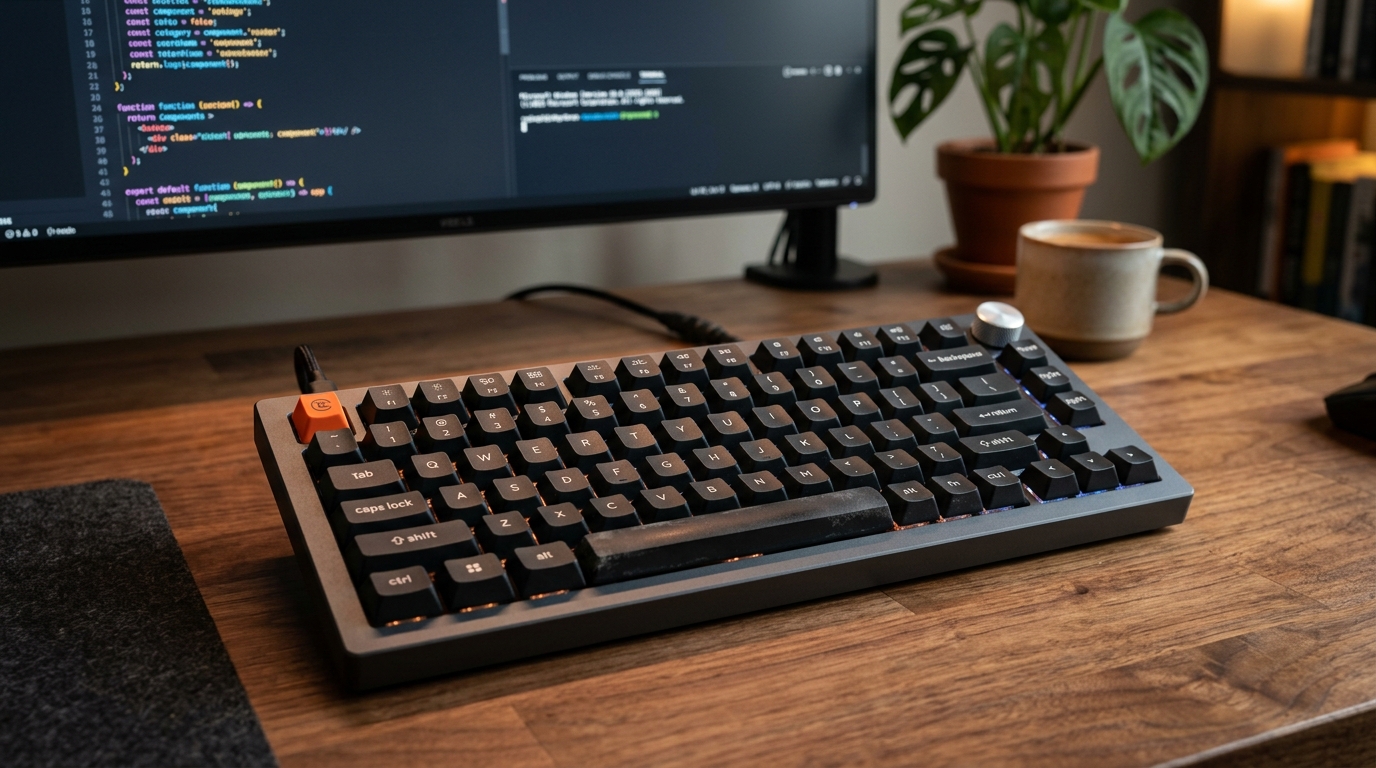
Optimizing the Build-Test-Debug Loop: Mapping Android Studio Hotkeys with the Keychron V1 QMK/VIA Keyboard