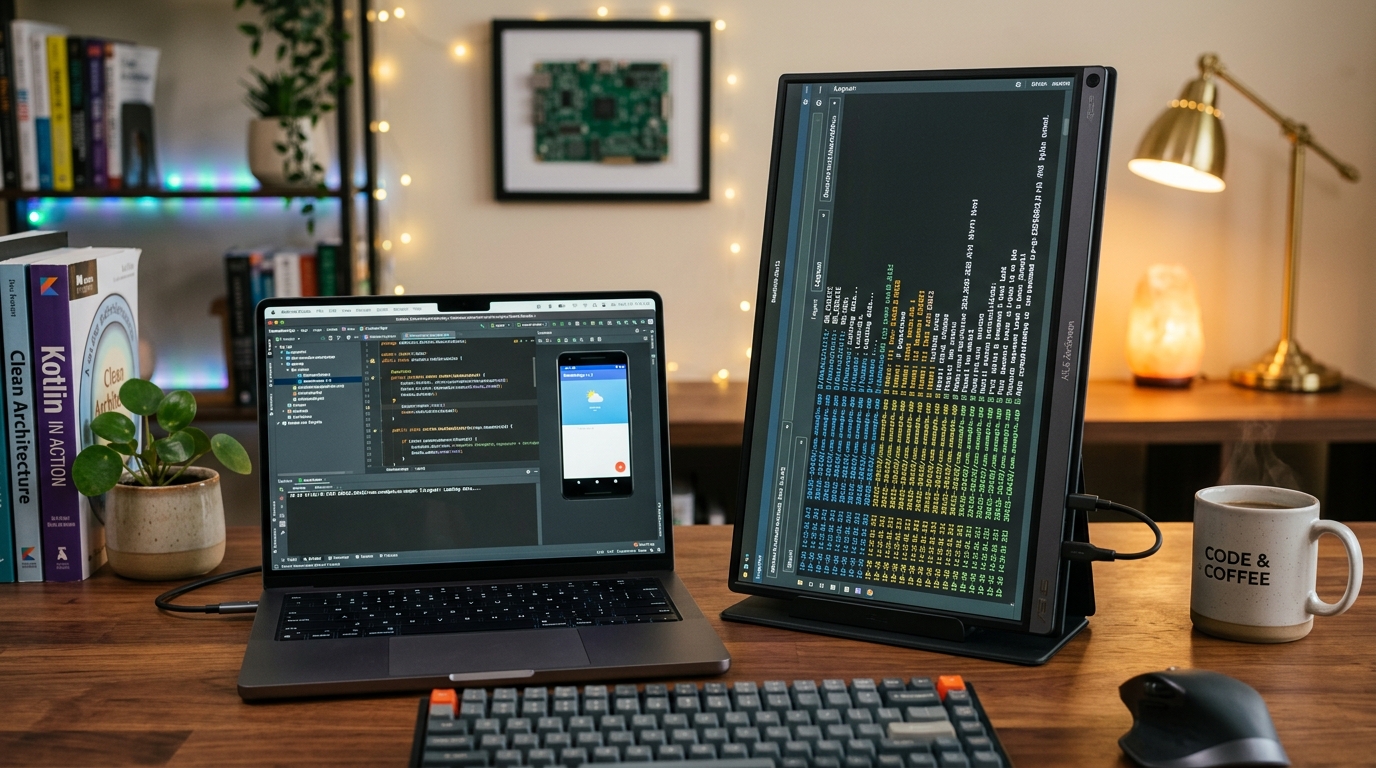
Preventing Cable Strain and False Touch Events: A Heavy-Duty Desktop Stand for Hands-Free ADB Debugging
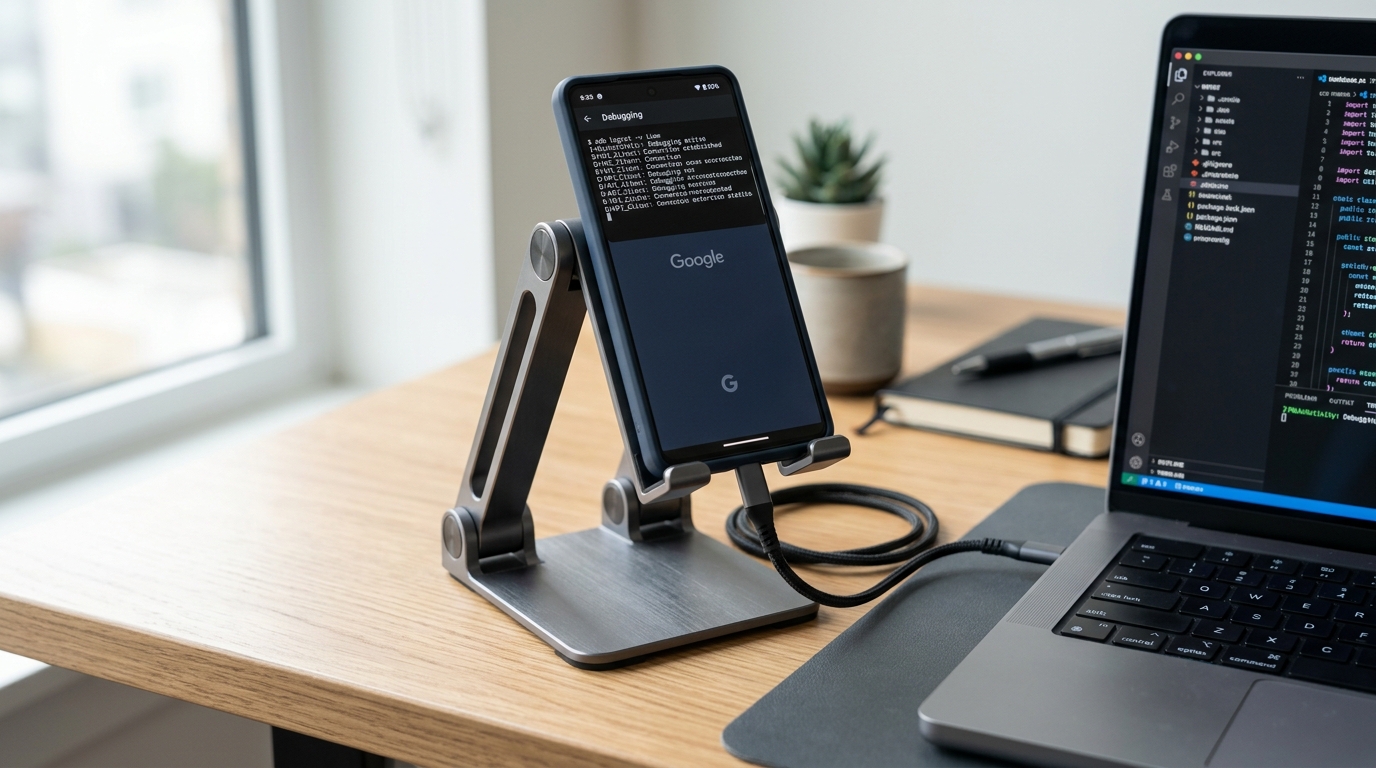
Flimsy plastic phone kickstands flip over the moment you tap a button during a live test run. A weighted aluminum stand with a generous charging channel keeps test devices rock-solid right beside your keyboard.

Alex Rivera
Mobile Architecture & QA Lead
Buy This Product on Amazon
Fast, trackable shipping with official manufacturer warranty & 30-day return policy.
What We Loved (Pros)
- Weighted metal base and dual-hinge aluminum arm hold heavy phones and tablets steady during vigorous touch input
- Wide center cutout accommodates thick braided USB-C debug cables without destructive right-angle bending
- High-grade anti-slip silicone cushions protect phone chassis from metal scratches and prevent bench sliding
- Adjustable height and 360-degree tilt angle place test screens directly at eye level alongside primary IDE code
- Fully collapsible folding mechanism packs flat into laptop sleeves for remote co-working visits
Room For Improvement (Cons)
- The weighted base adds noticeable heft (approx. 340g) when packing light for travel
- Very large 12.9-inch tablets must be positioned in landscape mode to prevent backward tipping
- Hinge tension is tight out of the box (requires firm two-handed adjustment)
Key Technical Specifications
Amazon Gaming Week Specials: Verified Lightning Discounts
Upgrade Your Console Today - Best Amazon Prices

Most developer desk setups feature thousands of dollars in silicon: high-end laptops, external solid-state drives, mechanical keyboards, and reference smartphones. Yet when it comes to the actual physical object holding the test phone during an active debugging run, developers routinely resort to propping their device against a coffee mug, leaning it against a laptop bezel, or using a flimsy two-dollar plastic kickstand.
This makeshift setup creates three immediate, costly problems during Android app testing:
- The Tipping Problem: The moment you reach over to tap a UI button or perform a rapid two-finger pinch gesture to test a map zoom, the cheap kickstand collapses backward. You grab the phone, jostle the wire, and interrupt your testing train of thought.
- USB-C Port Fatigue and Cable Strain: A smartphone resting flat on a desk while plugged into a thick, stiff USB-C debugging cable puts severe lateral leverage on the phone’s internal port. Over months of use, this bends the internal tongue and causes intermittent ADB drops.
- Cervical Neck Strain: Glancing down at a flat desk surface hundreds of times a day to verify UI states forces your neck into awkward flexion, compounding the posture fatigue common among programmers.
The LISEN Height & Angle Adjustable Desktop Stand is an inexpensive, heavy-duty aluminum fixture that permanently solves these physical bench annoyances. Here is why this specific stand has earned a permanent place on our mobile testing benches.
The Engineering Difference: Weighted Steel vs. Cheap Plastic
What distinguishes the LISEN stand from generic plastic phone holders is its center of gravity. The circular base plate is embedded with a solid carbon steel counterweight, anchored by a full-coverage textured silicone pad.
When an Android phone like the Google Pixel 8 is docked on the cradle, you can tap buttons firmly, swipe through vertical RecyclerView lists, and execute rapid multi-touch gestures without the stand budging or wobbling a millimeter. Even a mid-sized tablet like the Samsung Galaxy Tab S9 FE rests stably in landscape orientation, turning it into a miniature testing kiosk right next to your primary IDE screen.
The Crucial U-Shaped Cable Passthrough
For Android developers, the bottom cradle design is where the LISEN stand truly proves its worth. Standard phone holders feature narrow bottom lips that force connected charging cables to bend at sharp 90-degree angles against the desk surface.
The LISEN features a generous U-shaped center cutout with extra vertical clearance. When using high-power, thick braided cables like the Baseus 100W Digital Display Cable, the connector passes cleanly through the bottom cradle without any pinch points or destructive strain on your test device’s internal USB port pins.
Ergonomic Positioning for Live Screen Inspection
| Feature | Hardware Specification | Direct Benefit for Android QA & Development |
|---|---|---|
| Dual-Hinge Articulation | 180° Lower Hinge + 180° Upper Tilt Hinge | Positions test phone screen at an exact perpendicular angle to your line of sight, eliminating desk glare. |
| Telescoping Extension | Adjustable height from 7.1 to 8.5 inches | Lifts the physical screen to match the exact vertical height of your laptop or portable monitor. |
| Anti-Slip Silicone Lining | Thick grooved silicone pads on cradle hooks | Prevents naked metal-on-glass contact, protecting test phones from cosmetic scratches. |
| Collapsible Hinge System | Folds completely flat into a 1-inch profile | Easily slips into a laptop backpack pocket for client demos or remote co-working sessions. |
Practical Setup Advice on the Bench
To maximize efficiency during testing sprints, place the LISEN stand immediately to the right (or left) of your keyboard, roughly 6 inches away. Route your debug cable through the stand’s cutout and into an Anker 555 USB-C Hub.
In this arrangement, your hands never have to leave the home row of your Keychron V1 keyboard to see the app build launch. You trigger your compile hotkey, glance over to verify the UI layout at eye level, reach over with a finger to test touch responsiveness, and return immediately to code without picking up or setting down the device.
Frequently Asked Questions
Will this stand support large tablets like the 12.4-inch Galaxy Tab S9+?
In landscape orientation, yes—the weighted base is sufficient for moderate touch input. However, in vertical portrait orientation, tablets larger than 11 inches can shift the center of gravity past the base plate. For tablets up to 11 inches (like the Tab S9 FE or iPad Air), it is completely stable in both orientations.
Do the hinges loosen up over time with heavy daily use?
The hinges use heavy-duty steel friction pins. Even after thousands of adjustments, the tension remains remarkably tight. If you ever experience slack after years of travel, the hinge pivot covers can be popped off to tighten the internal hex screws.
Does it block the bottom speaker or microphone on test devices?
No. The split cradle arms leave the center microphone, USB-C port, and bottom-firing speaker grilles completely open and unobstructed.
Final Assessment
Sometimes the smallest, most affordable accessories deliver the biggest day-to-day ergonomic improvements. For under sixteen dollars, the LISEN Height & Angle Adjustable Desktop Stand eliminates loose cables, broken USB ports, and awkward neck angles from your Android testing bench. It is a simple, beautifully made tool that every mobile developer should own.
VERIFIED AMAZON AFFILIATE LINK
Ready to upgrade your gaming setup?
Click below to lock in the lowest guaranteed Amazon price, check customer reviews, and claim free Prime shipping.
Check Price & Buy on Amazon ($15.99)Related Hardware & Game Guides on ReviewSeen
Field-Testing Location Tracking & Background Sync: The Power Bank Setup Android QA Teams Actually Need
Optimizing the Build-Test-Debug Loop: Mapping Android Studio Hotkeys with the Keychron V1 QMK/VIA Keyboard
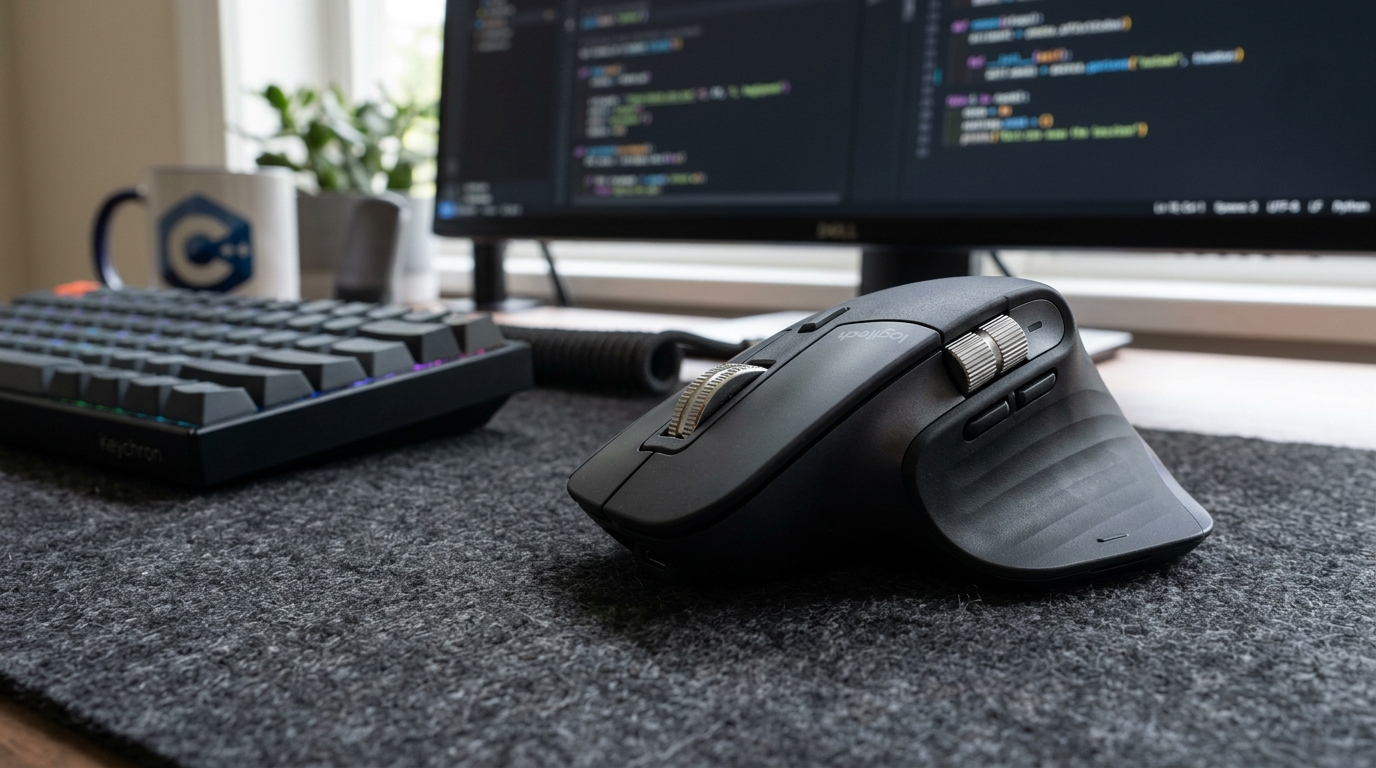
Navigating Massive Logcat Dumps and Wide Code Diffs: Why Android Developers Swear by the Logitech MX Master 3S