Testing for Google Play's Large Screen Guidelines: Is the Galaxy Tab S9 FE the Ideal Device for Tablet & Foldable QA?
Google Play now actively penalizes unoptimized tablet apps. Here is how Samsung’s mid-tier 10.9-inch tablet helps you verify adaptive layouts, multi-window split screens, and stylus interactions without flagship pricing.

Alex Rivera
Mobile Architecture & QA Lead
Buy This Product on Amazon
Fast, trackable shipping with official manufacturer warranty & 30-day return policy.
What We Loved (Pros)
- Generous 10.9-inch 90Hz WUXGA+ canvas perfectly matches Google Play Tier 1 Large Screen breakpoints
- Bundled S-Pen stylus enables thorough QA for pointer hover, handwriting input, and drawing APIs
- Samsung DeX mode provides a desktop windowing environment for freeform window resizing tests
- Comprehensive IP68 water and dust resistance ensures exceptional test-lab longevity
- Realistic mid-range Exynos 1380 processor prevents developers from assuming infinite flagship GPU bandwidth
Room For Improvement (Cons)
- TFT LCD panel lacks the infinite contrast of AMOLED displays found on the high-end Tab S9
- 45W fast charging requires a separate power adapter; inbox cable is basic
- One UI custom skin means you must verify standard AOSP tablet navigation alongside Samsung bars
Key Technical Specifications
Amazon Gaming Week Specials: Verified Lightning Discounts
Upgrade Your Console Today - Best Amazon Prices

For nearly a decade, many Android app publishers treated tablet layouts as an afterthought. You built an interface optimized for a vertical 6-inch smartphone, set screenOrientation="portrait" in the manifest, and let the app letterbox with ugly black bars on larger displays. Users tolerated it because there were few alternatives.
Those days are officially over. Google Play Console now actively evaluates your application against the Large Screen App Quality Guidelines (Tier 1 and Tier 2). If your app simply stretches smartphone buttons across an 11-inch canvas or crashes when a user rotates their device while entering split-screen mode, Google Play demotes your listing in search results, displays prominent warning banners on tablet store listings, and disqualifies you from coveted homepage editorial promotions.
To pass Google Play’s automated and manual tablet reviews, you need physical tablet hardware on your testing bench. The Samsung Galaxy Tab S9 FE (Fan Edition) has emerged as the most sensible, cost-effective testbed for Android engineering teams. Let’s examine why this 10.9-inch device is uniquely suited for tablet QA, and what technical hurdles it reveals.
Why Emulators Alone Fail the Tablet Quality Audit
Android Studio’s tablet virtual devices are technically competent, but they fail to uncover the real-world ergonomics that trigger negative user reviews on the Play Store:
- Thumb Reach and Ergonomic Touch Targets: A navigation rail or bottom bar might look tidy in a desktop emulator window, but holding a physical 520g metal slab reveals whether essential buttons sit within comfortable thumb reach or force awkward two-handed stretching.
- Smooth Orientation Transitions: Rotating an emulator in software rarely mimics the real accelerometer delay or the memory pressure spikes that happen when a physical tablet flips from landscape to portrait while playing video or fetching paginated lists.
- Stylus Hover & Pressure Events: Unless you have a dedicated drawing tablet wired to your workstation, testing stylus hover cursors, palm rejection, and handwriting scribble inputs on an emulator is almost impossible.
The Galaxy Tab S9 FE addresses every single one of these physical testing blind spots without demanding the $800+ investment of a flagship tablet.
Meeting Google Play’s Tier 1 & Tier 2 Criteria on Real Hardware
| Play Store Guideline | Standard Requirement | How the Tab S9 FE Helps You Verify It |
|---|---|---|
| Adaptive Layouts | UI must take advantage of 840dp+ window width size classes (expanded layouts). | The 10.9" WUXGA+ display runs at 600dpi density (approx. 960x600dp viewport in landscape), forcing your Jetpack Compose NavigationSuiteScaffold into two-pane master-detail view. |
| Multi-Window Split Screen | App must resize fluidly between 50/50 and 33/67 split view without crashing or reloading state. | Samsung One UI offers the most rigorous multi-window implementation in Android. Testing live app resizing side-by-side reveals ViewModel state loss immediately. |
| Desktop / DeX Mode | App should handle freeform window resizing, maximizing, and cursor drag events. | Built-in Samsung DeX lets you test window maximize/minimize animations and mouse cursor interactions without buying an expensive Chromebook. |
| Stylus & Pointer Support | UI elements should respond to stylus hover state and support smooth handwriting input. | The bundled magnetic S-Pen gives your team an out-of-the-box tool to test MotionEvent.ACTION_HOVER_MOVE and Android 14+ Stylus Handwriting APIs. |
The Realistic Hardware Advantage: Exynos 1380 vs. Overpowered Flagships
An underappreciated mistake in mobile QA is testing exclusively on overpowered flagship hardware. If your test suite only runs on high-end Snapdragon 8 Gen 3 tablets, your app will feel butter-smooth even if your Jetpack Compose UI trees suffer from runaway recompositions and wasteful layout recalculations.
The Galaxy Tab S9 FE runs on Samsung’s mid-range Exynos 1380 processor with 6GB of RAM. This is an enormous advantage for realistic performance profiling:
The Exynos 1380 is plenty fast for responsive daily use, but it will expose unoptimized image decodes, janky LazyColumn scrolling, and memory leaks that an ultra-flagship would brute-force past unnoticed. If your multi-pane dashboard scrolls at a locked 90Hz on the Tab S9 FE, you can deploy your Google Play release with complete confidence that it will fly on budget and mid-tier tablets worldwide.
Desk Setup and Mounting Advice for Tablet Testing
A 10.9-inch tablet is too large to lay flat on a crowded developer desk next to your keyboard. Lying flat, it produces glare from ceiling fixtures and strains your neck during long debugging sprints.
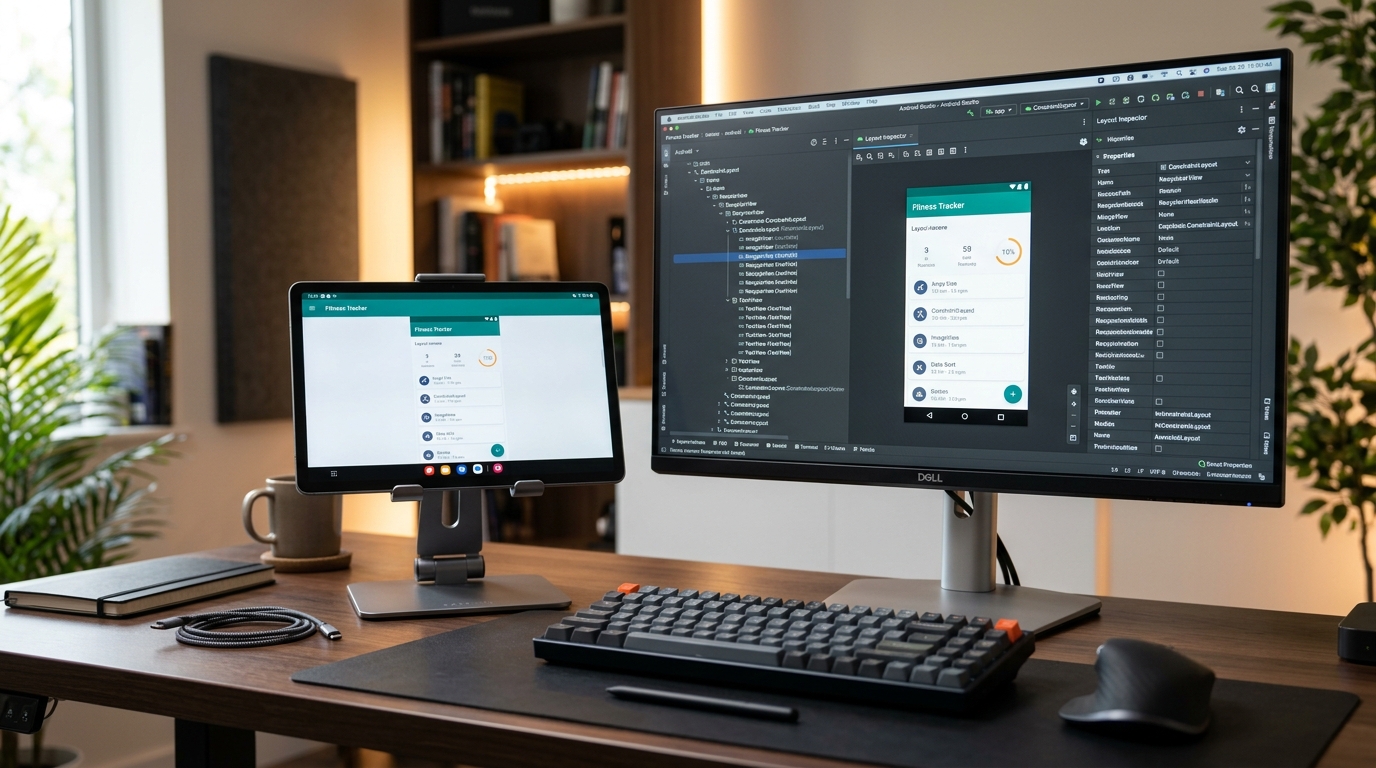
We recommend pairing the tablet with an adjustable aluminum desktop stand with silicone cushions. This positions the display right beside your primary IDE window at eye level, leaving your hands free to tap controls or use the S-Pen while ADB logs stream on your laptop. If your desk already features an ARZOPA portable monitor for Logcat, placing the Tab S9 FE on a dedicated stand forms an efficient, professional three-screen command center.
For software developers already using a Google Pixel 8 for smartphone validation, adding the Tab S9 FE completes the essential two-device matrix required for complete Google Play coverage.
Crucial Considerations Before Purchasing
- Display Technology: The screen is a 90Hz TFT LCD, not an AMOLED panel. While viewing angles and colors are very good, black levels are not inky. Do not rely on it for calibrated HDR video color grading; its purpose is functional UI validation.
- No DisplayPort Alt-Mode Output: Unlike the more expensive Tab S9, the FE variant does not output video over USB-C to external monitors. DeX runs locally on the tablet screen, which is sufficient for windowing tests but cannot drive a secondary desktop monitor.
- Base 6GB RAM Model is Sufficient: For testing purposes, there is rarely a need to pay extra for the 256GB/8GB variant. Testing on the 6GB model is actually more representative of the median tablet owned by global Google Play users.
Frequently Asked Questions
Does the Galaxy Tab S9 FE receive prompt Android OS updates?
Samsung guarantees 4 major Android OS upgrades and 5 years of security updates for the Tab S9 FE. While it does not receive Day 1 Developer Previews as rapidly as a Google Pixel, Samsung's One UI beta program typically launches within weeks of Google's major releases, providing reliable long-term testing utility.
Can I test hardware keyboard shortcuts without Samsung's expensive keyboard cover?
Yes. You can plug any standard USB-C keyboard or pair a Bluetooth mechanical keyboard (such as the Keychron V1) to test Android keyboard navigation, Tab key focus traversal, and Ctrl/Cmd shortcut handling.
Is this tablet sufficient for testing heavy 3D game titles?
For casual, 2D, and moderate 3D titles running at 1080p, the Mali-G68 GPU performs adequately. For high-end graphical benchmarks targeting Vulkan 1.3 at maximum fidelity, you should complement it with a flagship device, but for 95% of business, productivity, and utility apps, the Tab S9 FE is more than capable.
Final Verdict
If you publish apps on Google Play and your tablet testing still consists of dragging emulator windows around on your laptop screen, your store listing is living on borrowed time. The Samsung Galaxy Tab S9 FE provides the screen real estate, stylus input, multi-window capabilities, and realistic mid-tier silicon required to ace Google Play’s Large Screen Quality checks without straining your hardware budget.
VERIFIED AMAZON AFFILIATE LINK
Ready to upgrade your gaming setup?
Click below to lock in the lowest guaranteed Amazon price, check customer reviews, and claim free Prime shipping.
Check Price & Buy on Amazon ($379.99)Related Hardware & Game Guides on ReviewSeen
Field-Testing Location Tracking & Background Sync: The Power Bank Setup Android QA Teams Actually Need
Preventing Cable Strain and False Touch Events: A Heavy-Duty Desktop Stand for Hands-Free ADB Debugging
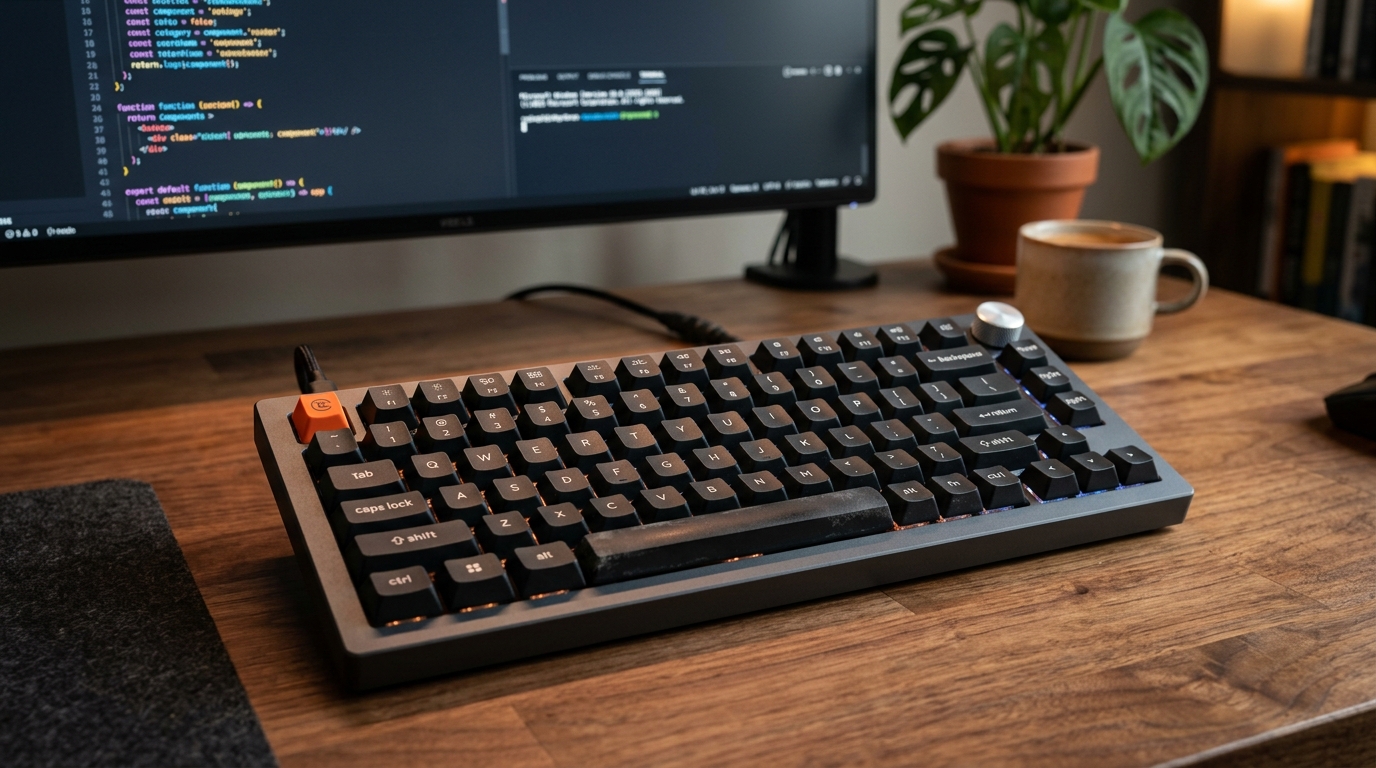
Optimizing the Build-Test-Debug Loop: Mapping Android Studio Hotkeys with the Keychron V1 QMK/VIA Keyboard